Google Cloud Storage (GCS)
Google Cloud Storage (GCS) is an exabyte-scale object storage service providing global edge caching, strong consistency out of the box, and automated lifecycle policies.
Lesson 19 of 26 · Module: Google Cloud
18 min read · Source notes — Cloud Storage Overview & Lifecycle
Google Cloud Storage (GCS) is an exabyte-scale object storage service providing global edge caching, strong consistency out of the box, and automated lifecycle policies.
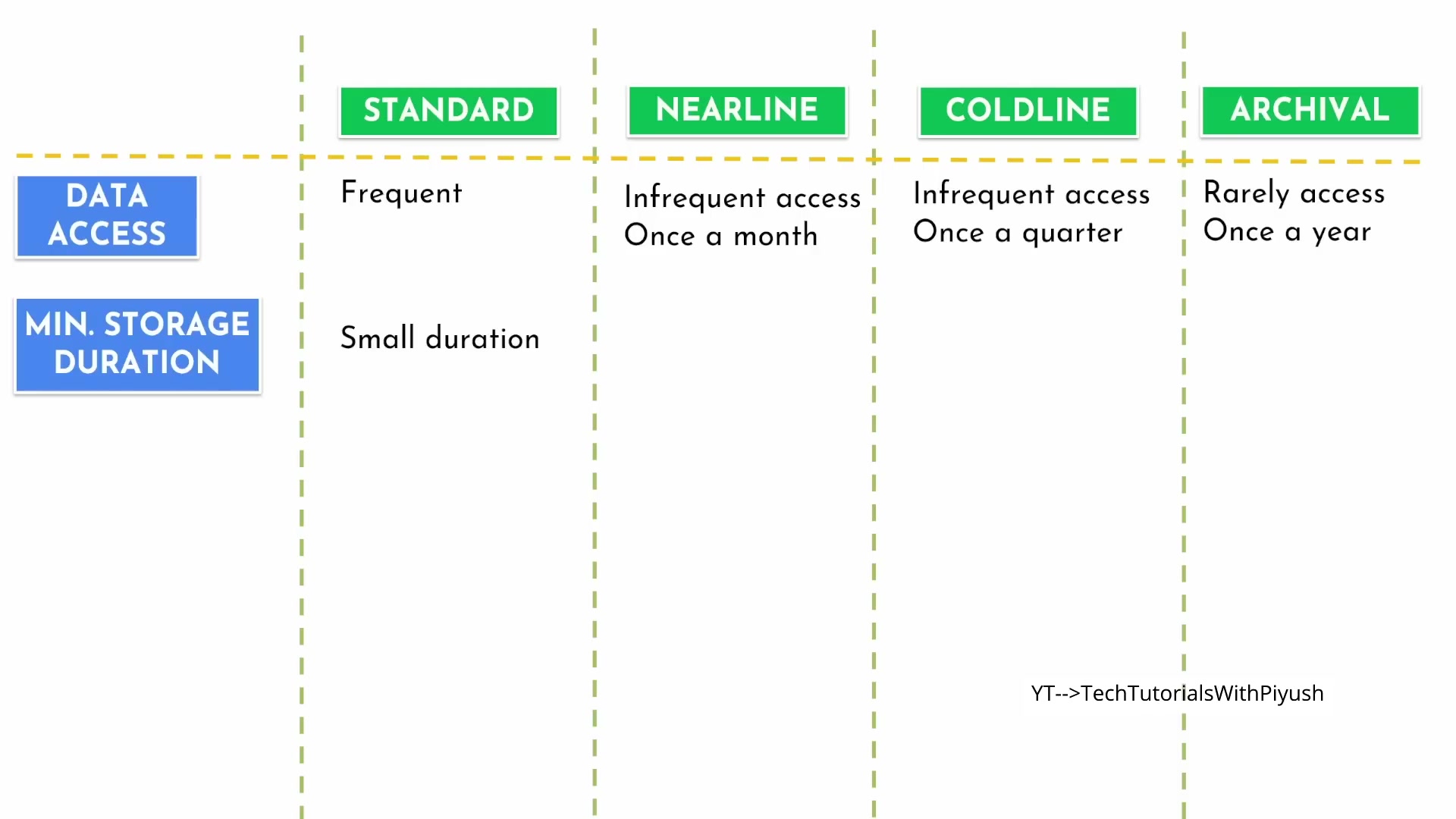
Configuring globally unique bucket names, multi-region redundancy, and default encryption.
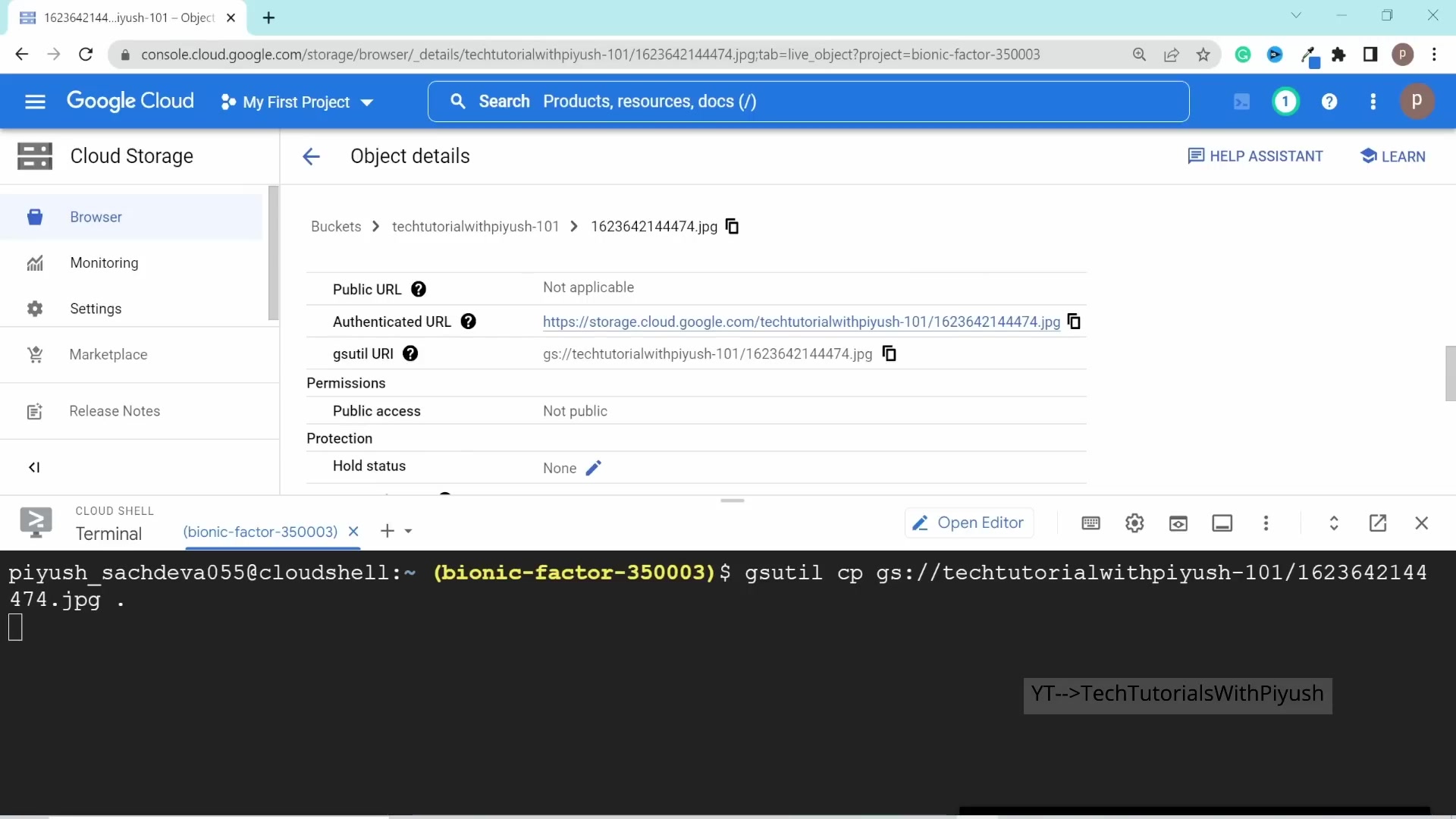
1. The 4 GCS Storage Classes
| Storage Class | Minimum Duration | Cost per GB/mo | Ideal Scenario |
|---|---|---|---|
| Standard | None | $0.020 | Web assets, streaming media, active analytics, frequent reads. |
| Nearline | 30 days | $0.010 | Data accessed at most once per month (monthly reports, raw logs). |
| Coldline | 90 days | $0.004 | Data accessed at most once per quarter (disaster recovery snapshots). |
| Archive | 365 days | $0.0012 | Long-term digital preservation and regulatory compliance audits. |
Setting rules to automatically transition objects to Coldline after 60 days and delete after 365 days.
2. Managing GCS via gcloud storage CLI
Common GCS Commands
# Create a new bucket in US multi-region
gcloud storage buckets create gs://company-build-artifacts-2026 --location=US

# Upload entire directory recursively
gcloud storage cp -r ./dist gs://company-build-artifacts-2026/

# Sync local files with bucket
gcloud storage rsync -r ./assets gs://company-build-artifacts-2026/assets/
Keep going: ← Lesson 18 · Lesson 20 → · Module overview · Track it in the Self Guide
Finished this one?
Part of Self Guide · Stage 6: Google Cloud. Progress is saved in this browser.