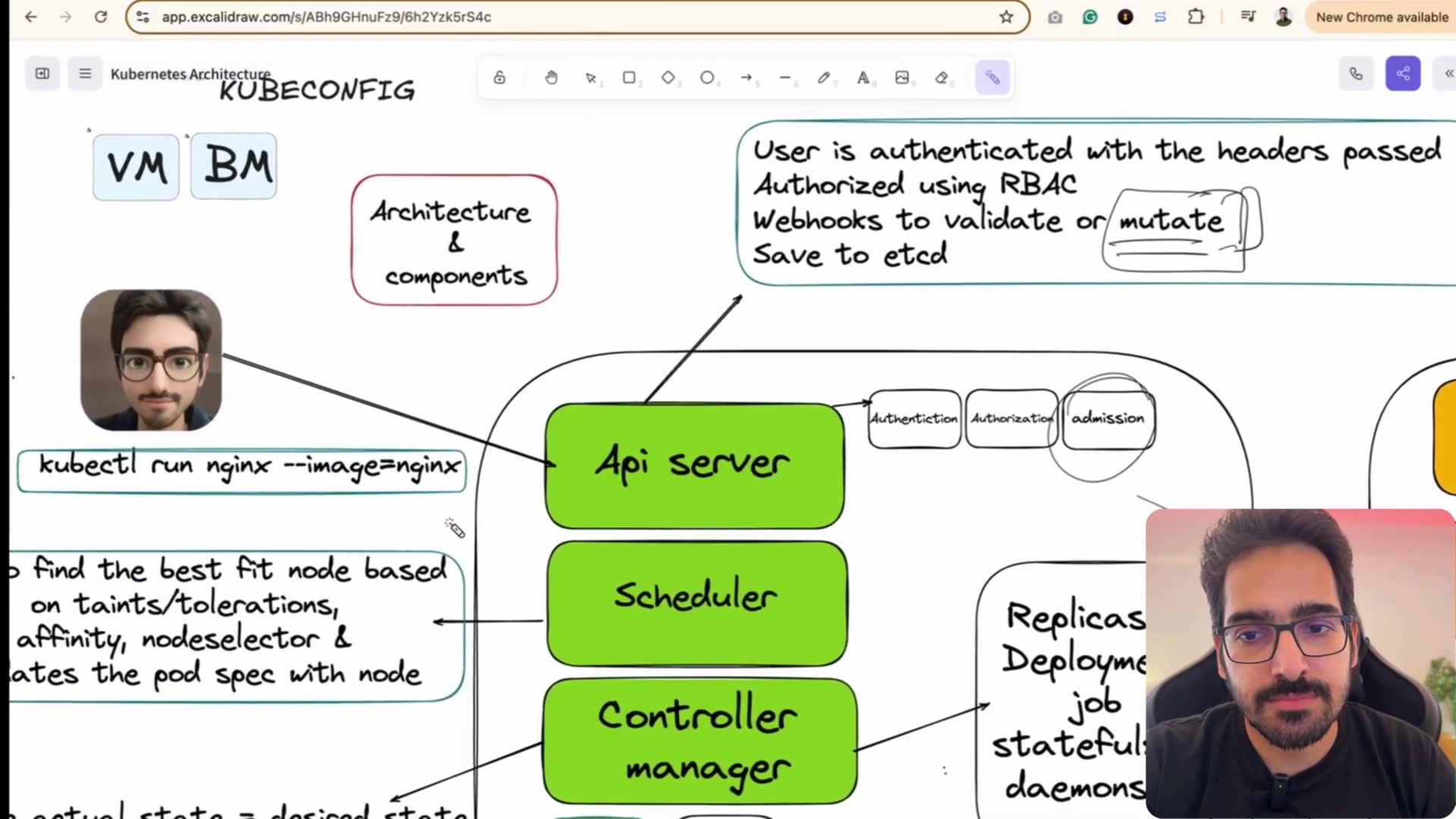
Kubernetes Workloads: From Pods to Deployments
In Kubernetes, you almost never deploy individual containers directly. Instead, you work with higher-level abstractions that manage replication, rollouts, health probes, and persistent identity.
Lesson 9 of 26 · Module: Kubernetes
25 min read · Source notes — Pods & Deployments Hands-On
In Kubernetes, you almost never deploy individual containers directly. Instead, you work with higher-level abstractions that manage replication, rollouts, health probes, and persistent identity.
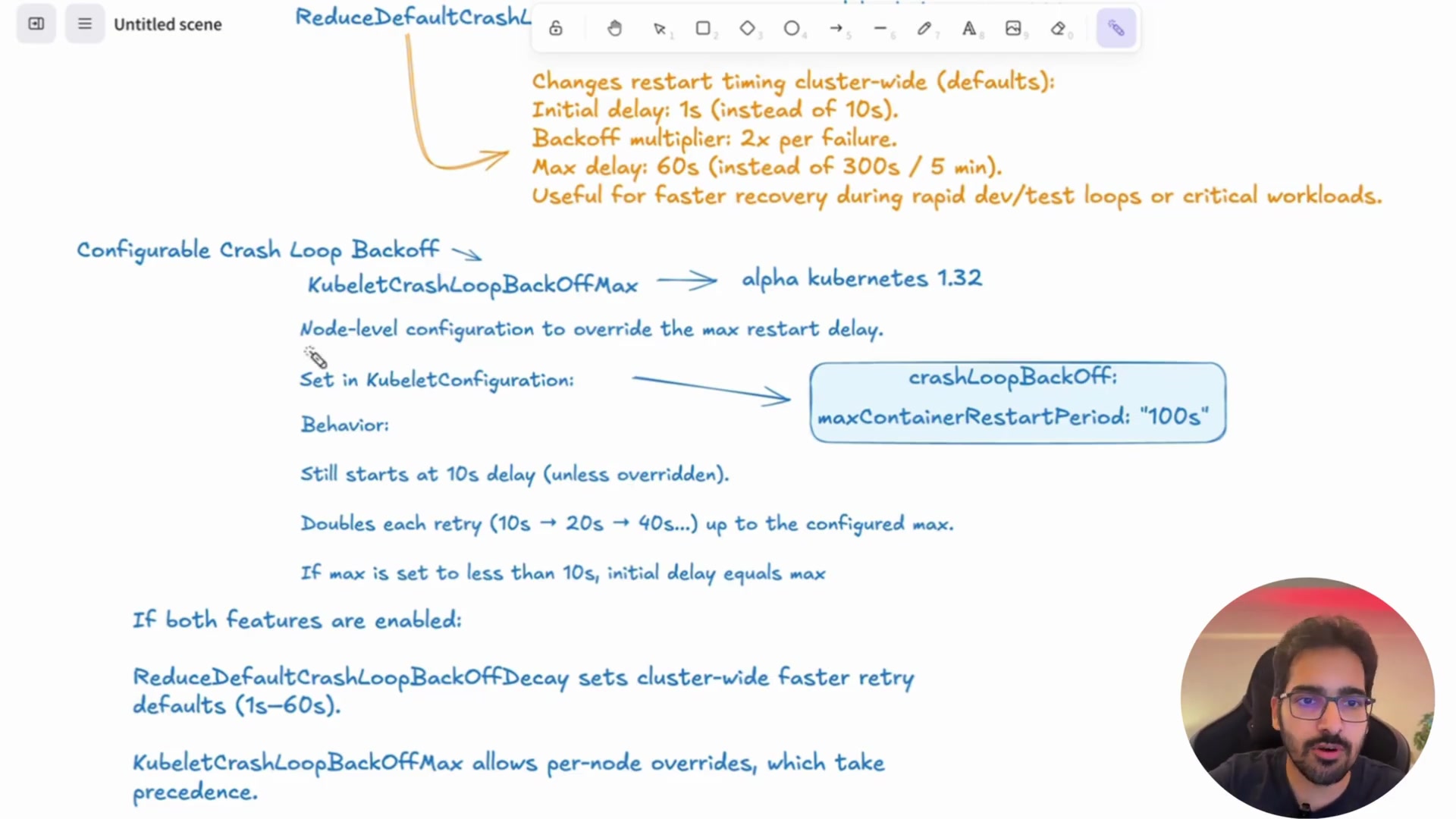
Anatomy of a Pod: shared network namespace (same localhost) and shared storage volumes.
1. The Pod: Smallest Deployable Unit
A Pod encapsulates one or more containers that share:
- The same Network namespace (share an IP address and can communicate via
localhost). - The same Storage volumes mounted into each container.
- The famous Sidecar Pattern: A primary application container paired with a logging or proxy container (e.g., Envoy or Fluentd).
2. Kubernetes Deployments (Zero-Downtime Rolling Updates)
A Deployment manages a ReplicaSet, which ensures the exact desired number of identical Pods are running at all times. If a node fails, the Deployment Controller immediately recreates missing pods on healthy nodes.
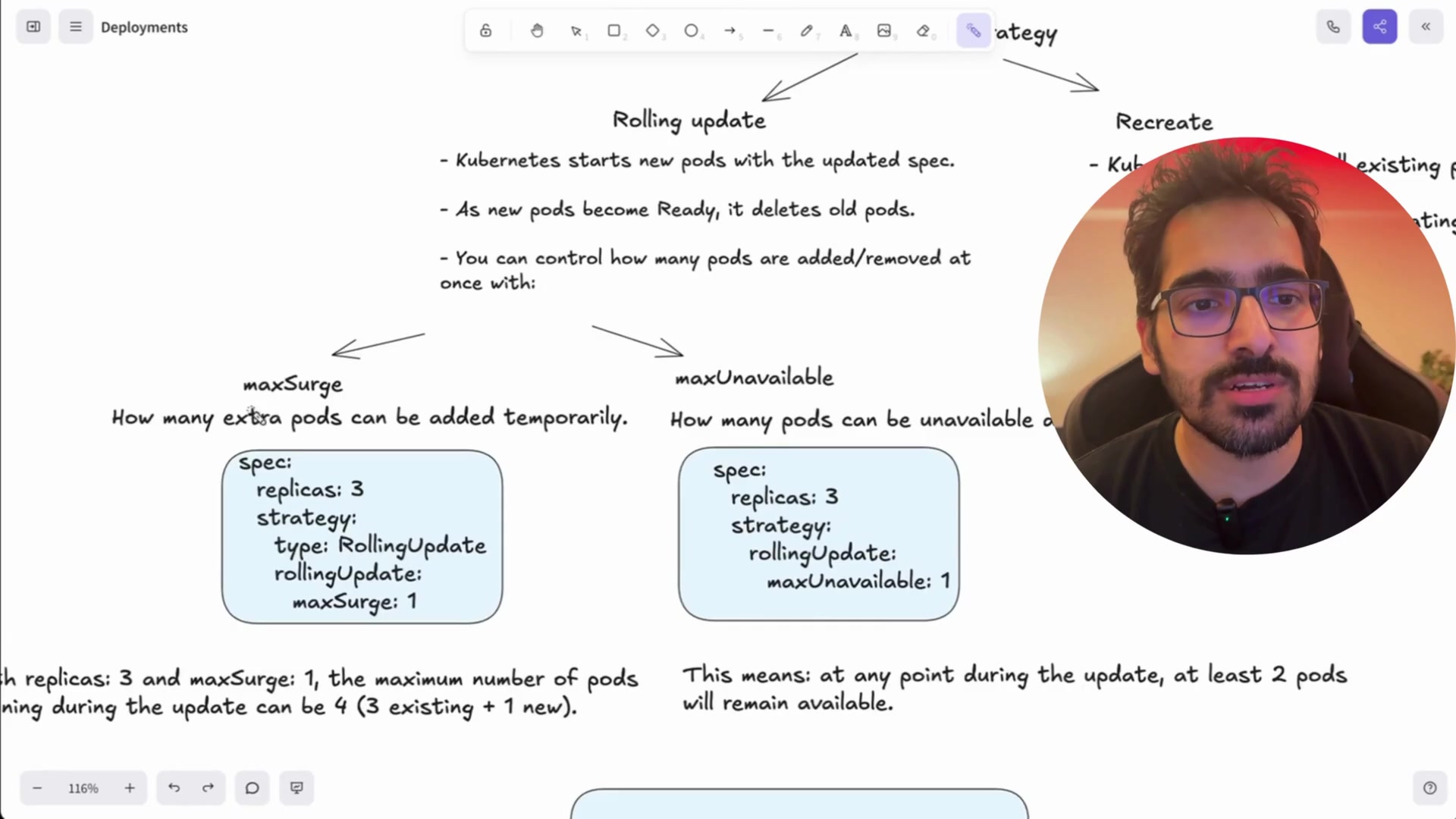
Inspecting rolling updates, pod replica status, and declarative YAML spec.
Production Deployment YAML with Health Checks & Resource Limits
apiVersion: apps/v1
kind: Deployment
metadata:
  name: api-service
  namespace: production
  labels:
    app: api-service
    tier: backend
spec:
  replicas: 3
  strategy:
    type: RollingUpdate
    rollingUpdate:
      maxSurge: 1
      maxUnavailable: 0
  selector:
    matchLabels:
      app: api-service
  template:
    metadata:
      labels:
        app: api-service
    spec:
      containers:
      - name: api
        image: myregistry.com/company/api:v2.1.0
        ports:
        - containerPort: 8080
        resources:
          requests:
            cpu: "250m"
            memory: "256Mi"
          limits:
            cpu: "1000m"
            memory: "512Mi"
        # Liveness probe restarts deadlocked containers
        livenessProbe:
          httpGet:
            path: /healthz
            port: 8080
          initialDelaySeconds: 15
          periodSeconds: 10
        # Readiness probe routes traffic only when app is initialized
        readinessProbe:
          httpGet:
            path: /ready
            port: 8080
          initialDelaySeconds: 5
          periodSeconds: 5
        env:
        - name: DATABASE_URL
          valueFrom:
            secretKeyRef:
              name: db-credentials
              key: connection-string
3. Workload Comparison: Deployment vs StatefulSet vs DaemonSet
| Workload | Ideal Use Case | Pod Identity & Storage |
|---|---|---|
| Deployment | Stateless apps (APIs, web apps, microservices) | Interchangeable random names (api-7f8d6-4kzlp). Storage is shared or ephemeral. |
| StatefulSet | Stateful apps (Postgres, Kafka, Elasticsearch, Redis) | Stable, ordered identity (db-0, db-1). Each replica gets its own dedicated PersistentVolume. |
| DaemonSet | Node-level agents (Prometheus node-exporter, Datadog, Fluentbit, CNI plugins) | Runs exactly 1 replica per worker node automatically as nodes scale up/down. |
Visualizing DaemonSet scheduling across every node in the cluster automatically.
Keep going: ← Lesson 8 · Lesson 10 → · Module overview · Track it in the Self Guide
Finished this one?
Part of Self Guide · Stage 4: Kubernetes. Progress is saved in this browser.