Production Deployment Foundations: From Bare Metal to Cloud
Why do we deploy software the way we do? In this foundational chapter from the DevOps Bootcamp, we explore how traffic travels from a user's browser, through DNS and IP routers, to physical and virtual…
Lesson 21 of 26 · Module: Production web
20 min read · Source notes — Complete DevOps Bootcamp (Cohort Preview)
Why do we deploy software the way we do? In this foundational chapter from the DevOps Bootcamp, we explore how traffic travels from a user's browser, through DNS and IP routers, to physical and virtual server infrastructure.
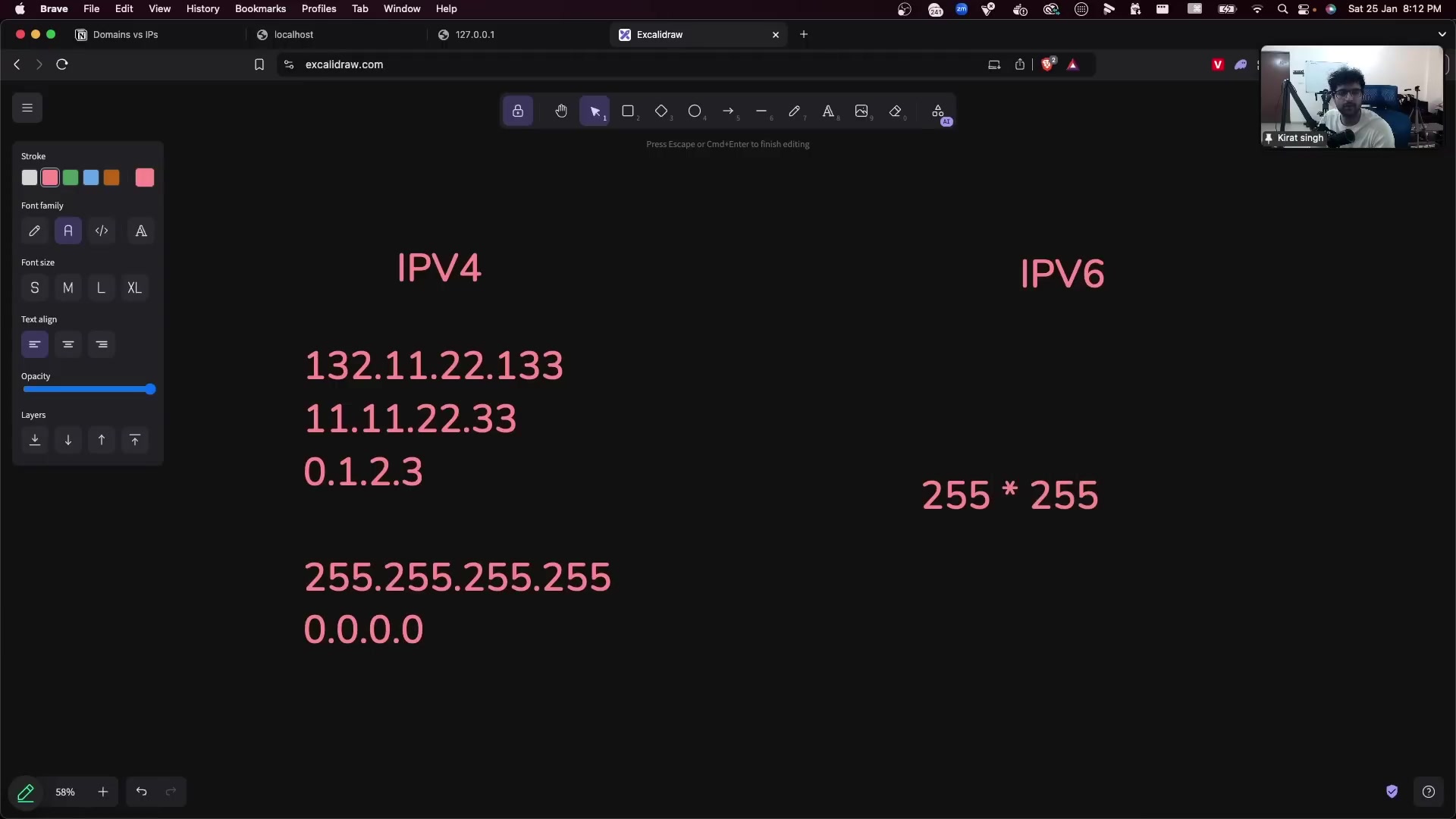
Instructor explaining how domain names map to public IPv4 addresses via authoritative DNS resolvers.
1. How Domain Names Resolve to IP Addresses
Computers do not understand domain names like app.company.com; they route packets using IP addresses (e.g. 54.210.12.94):
- Browser Cache: The browser checks its internal DNS cache (TTL: 60s - 300s).
- OS Resolver: If not cached, the operating system checks
/etc/hostsand calls the local DNS resolver (e.g.8.8.8.8or router IP). - Recursive DNS Lookup: Root DNS Server (
.) redirects to the Top-Level Domain (TLD) server (.com). TLD Server redirects to the Authoritative Name Server (e.g., AWS Route 53 or Cloudflare). Authoritative Name Server returns the final A Record (IPv4) or AAAA Record (IPv6).
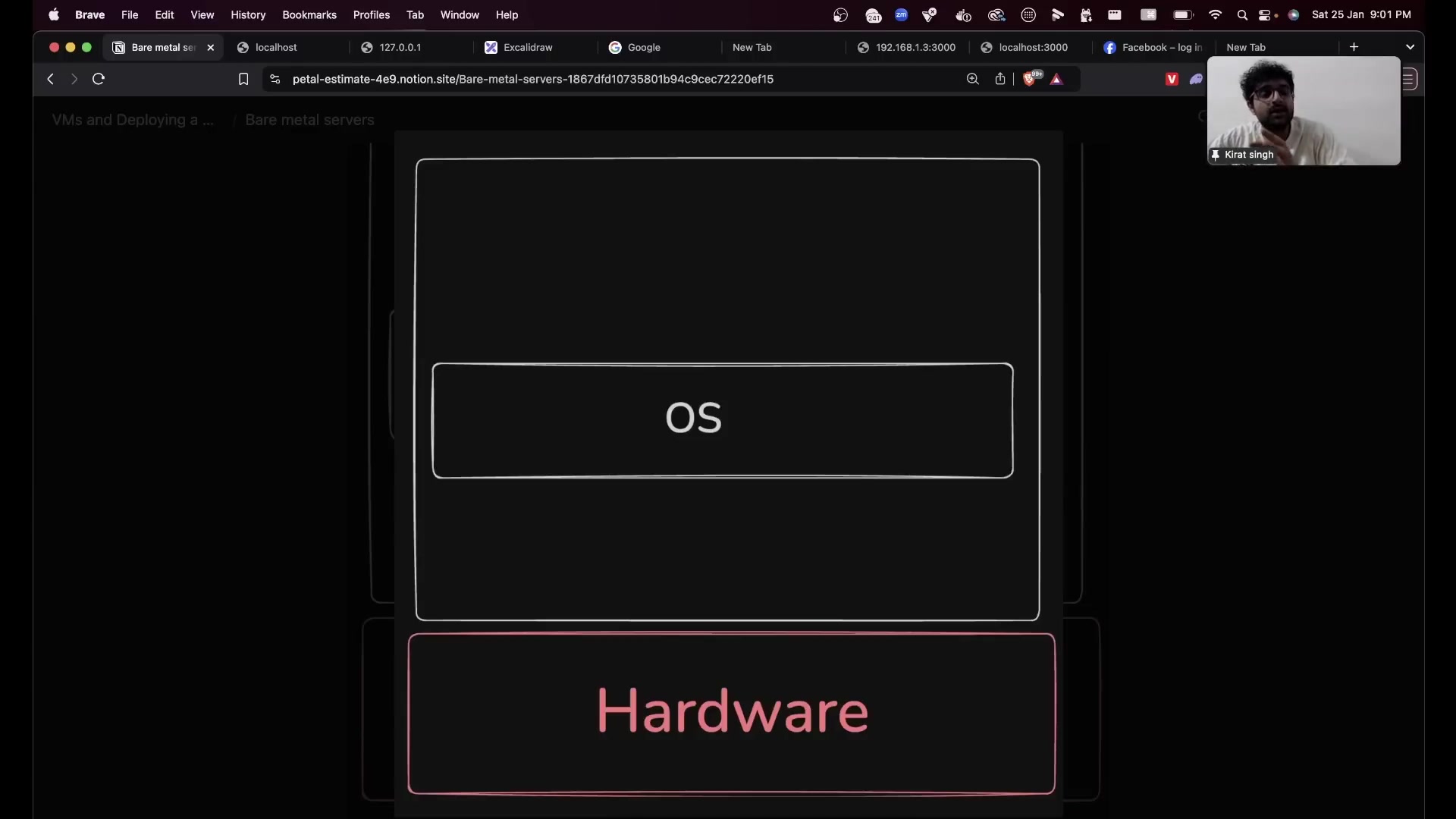
Why companies moved from renting physical colocation racks (Bare Metal) to dynamic cloud Virtual Machines.
2. Bare Metal vs Virtual Machines (VMs)
| Characteristic | Bare Metal Dedicated Server | Virtual Machine (Cloud VM / EC2) |
|---|---|---|
| Provisioning Time | Hours to weeks (physical assembly & racking) | 10 to 60 seconds via cloud API |
| Hardware Control | 100% dedicated CPU, memory, and raw NVMe disks | Shared host hypervisor (noisy neighbor potential) |
| Elasticity | Difficult to scale dynamically down or up | Instant autoscaling on demand; pay per second |
| Ideal Workload | Ultra-low latency financial trading, raw database engines | Standard web apps, microservices, CI/CD runners |
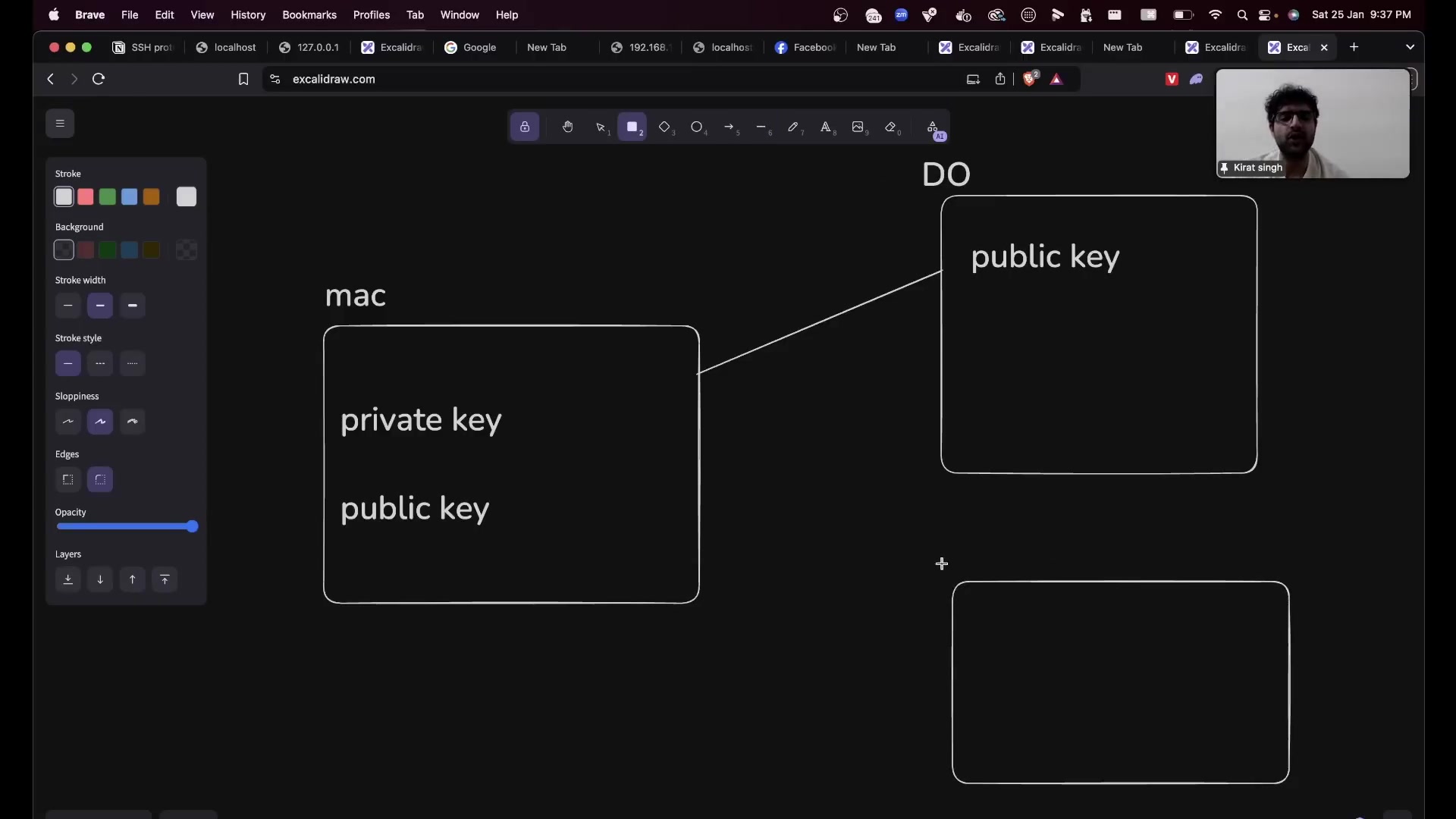
Asymmetric cryptography: Private key kept on local machine, Public key appended to authorized_keys.
3. Production Server Hardening & SSH Security
Never authenticate to servers using passwords! Passwords can be brute-forced across open port 22. Instead, use modern Ed25519 or 4096-bit RSA asymmetric keypairs:
Securing SSH on Linux (/etc/ssh/sshd_config)
# 1. Generate ultra-secure Ed25519 keypair on your local laptop
ssh-keygen -t ed25519 -C "admin@company.com"

# 2. Copy public key to remote server
ssh-copy-id -i ~/.ssh/id_ed25519.pub ubuntu@your_server_ip

# 3. Harden SSH Daemon on server: edit /etc/ssh/sshd_config
# Disable password authentication completely
PasswordAuthentication no

# Disable root login over SSH
PermitRootLogin prohibit-password

# Restart SSH daemon to apply changes
sudo systemctl restart sshd
Keep going: ← Lesson 20 · Lesson 22 → · Module overview · Track it in the Self Guide
Finished this one?
Part of Self Guide · Stage 7: Production web: DNS, Nginx, TLS, CDN. Progress is saved in this browser.