AWS Cloud Architecture & Identity Access Management (IAM)
Amazon Web Services (AWS) is the world's most comprehensive cloud computing platform. Before launching servers, understanding its global infrastructure and identity security model is mandatory.
Lesson 12 of 26 · Module: AWS
18 min read · Source notes — AWS Tutorial for Everyone in One Shot
Amazon Web Services (AWS) is the world's most comprehensive cloud computing platform. Before launching servers, understanding its global infrastructure and identity security model is mandatory.

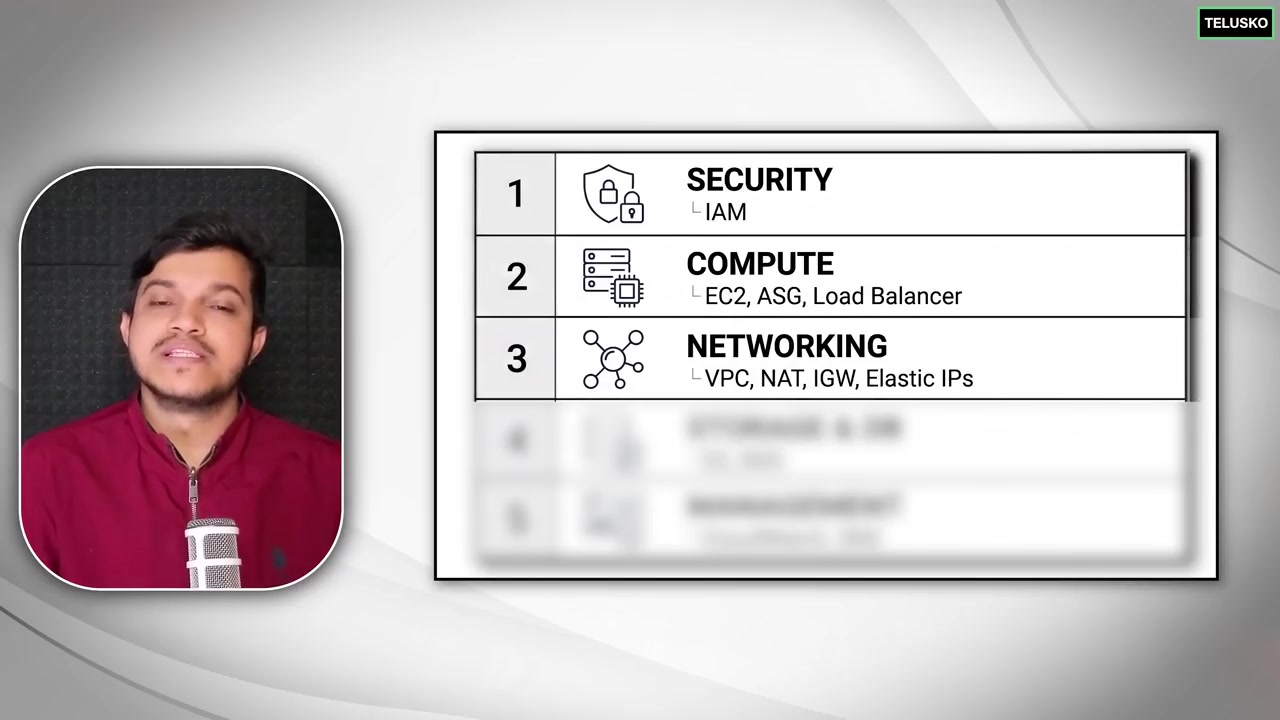
Instructor explaining shared responsibility model and on-demand elastic computing.
1. The AWS Global Infrastructure
- Regions: Physical geographical locations around the world (e.g.,
us-east-1N. Virginia,ap-south-1Mumbai,eu-west-1Ireland). Each region operates completely independently for fault isolation and data residency compliance. - Availability Zones (AZs): One or more discrete data centers within a region, isolated with redundant power, networking, and connectivity (e.g.,
us-east-1a,us-east-1b). AZs are connected via ultra-low-latency fiber optic lines. - Edge Locations: Global endpoints running AWS CloudFront (CDN) to cache static content close to end users worldwide.
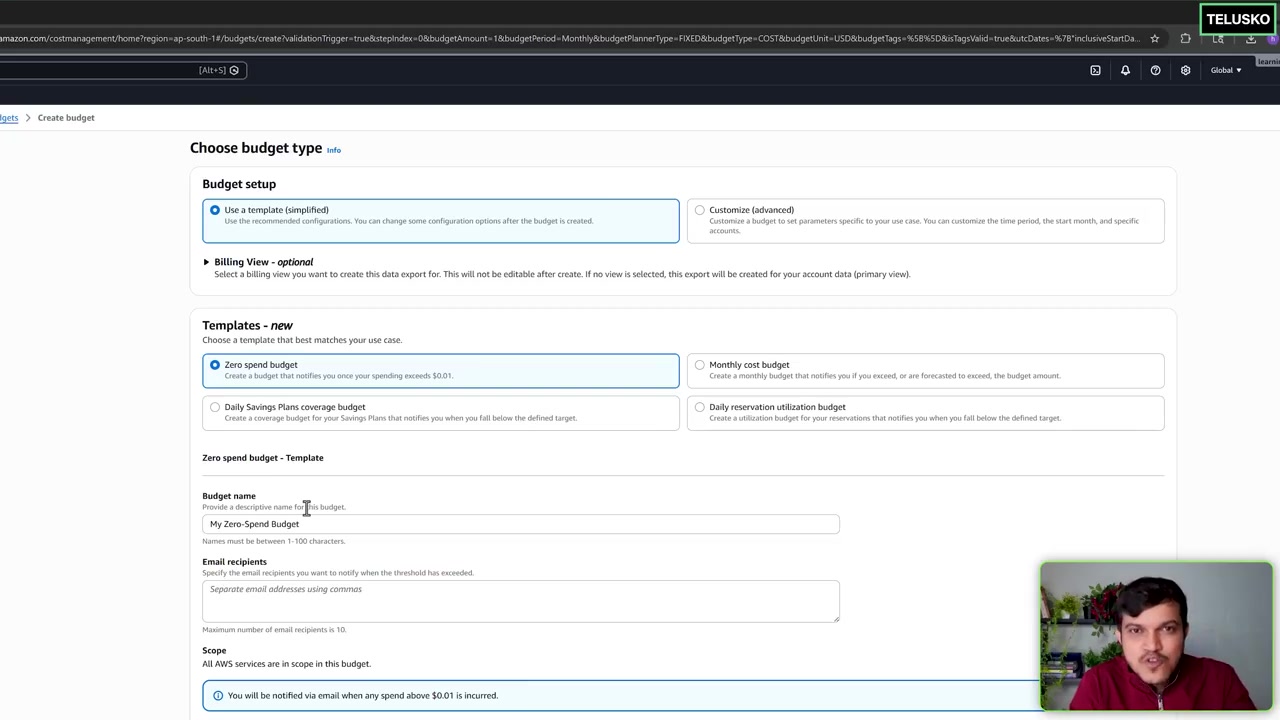
Navigating the AWS Management Console, region selector, and global services navigation.
2. AWS IAM Ground Reality: Root vs IAM User
| Entity | Credentials | Permissions | Production Best Practice |
|---|---|---|---|
| Root User | Email address + Password used to open account | Complete unrestricted access to all resources and billing | NEVER USE FOR DAILY WORK! Lock with hardware MFA, delete access keys, lock in a safe. |
| IAM User | Username + Console Password or API Access Key | Zero permissions by default (Explicit Allow required) | Create individual accounts for developers with Least Privilege policies and mandatory MFA. |
| IAM Role | Temporary credentials generated via AWS STS | Assumed by AWS services (e.g., an EC2 instance or Lambda function) | Never hardcode API keys on servers! Attach an IAM Role to the EC2 instance instead. |
3. Writing an IAM Policy (JSON Format)
Every IAM policy follows the PARC model: Principal, Action, Resource, Condition.
Example: Least-Privilege S3 Read-Only Policy
{
  "Version": "2012-10-17",
  "Statement": [
    {
      "Sid": "AllowProductionAssetsReadOnly",
      "Effect": "Allow",
      "Action": [
        "s3:GetObject",
        "s3:ListBucket"
      ],
      "Resource": [
        "arn:aws:s3:::company-production-assets",
        "arn:aws:s3:::company-production-assets/*"
      ]
    }
  ]
}
Keep going: ← Lesson 11 · Lesson 13 → · Module overview · Track it in the Self Guide
Finished this one?
Part of Self Guide · Stage 5: AWS fundamentals. Progress is saved in this browser.