Dockerfile Engineering & Multi-Stage Optimization
A Dockerfile is a recipe of instructions that builds a container image layer by layer. Efficient Dockerfile authoring separates novice engineers from experienced DevOps practitioners.
Lesson 6 of 26 · Module: Docker
20 min read · Source notes — Videos: Dockerfile & Building Container Images
A Dockerfile is a recipe of instructions that builds a container image layer by layer. Efficient Dockerfile authoring separates novice engineers from experienced DevOps practitioners.
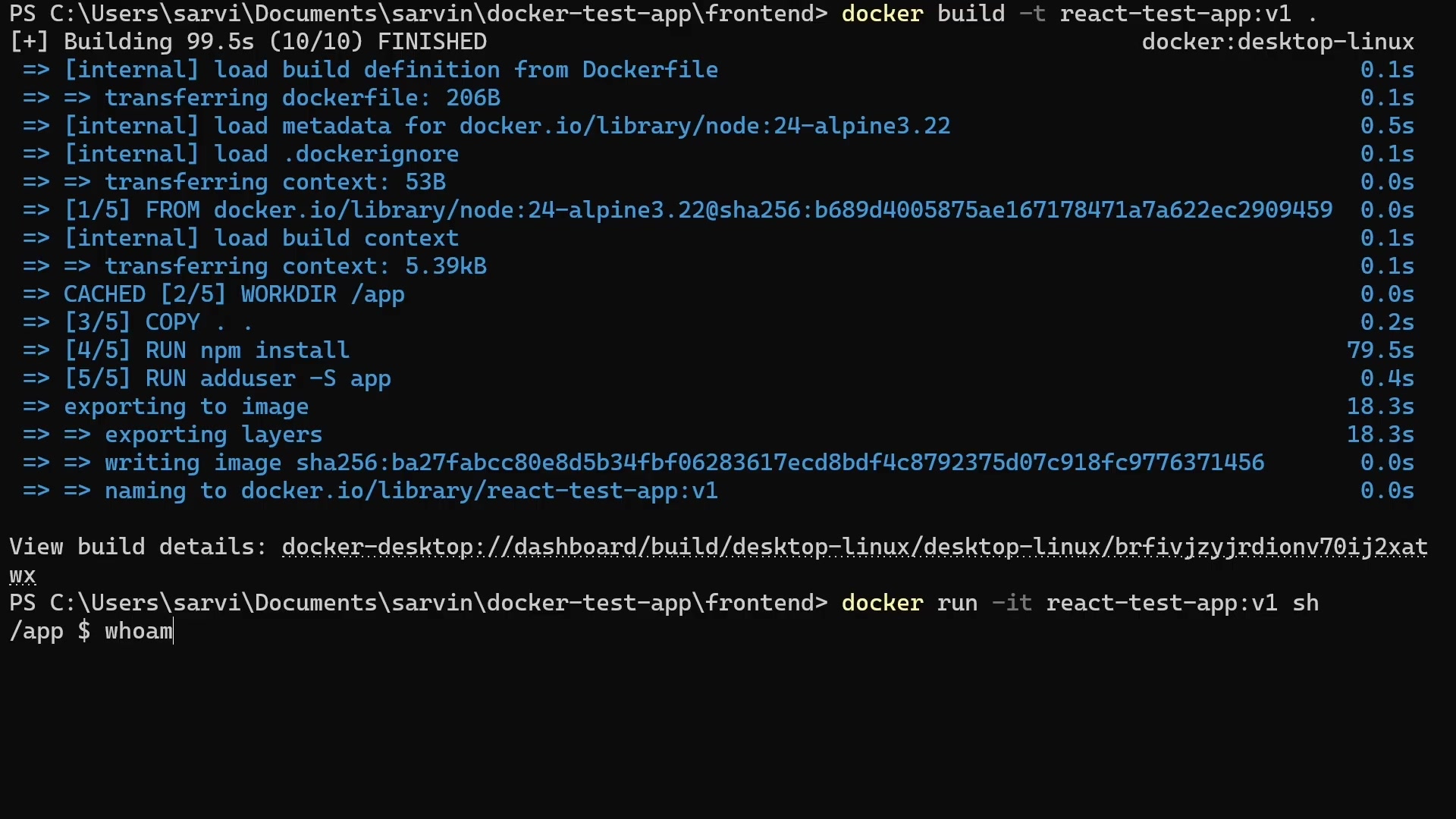
Instructor explaining FROM, WORKDIR, COPY, RUN, EXPOSE, and CMD instructions.
How Docker Image Layer Caching Works
Every instruction in a Dockerfile creates an immutable read-only layer stored in the Union File System (Overlay2). During a build, Docker checks if the layer and all preceding layers are cached:
- If instructions and source files have not changed, Docker reuses the cached layer in
0.001 seconds. - Golden Rule of Caching: Order instructions from least frequently changing to most frequently changing!
❌ Bad Dockerfile (Breaks Cache on Every Code Edit)
FROM node:20
WORKDIR /app
# BAD: Copies all code first!
COPY . .
# Now npm install runs every time you change a single comment!
RUN npm install
CMD ["node", "server.js"]
✅ Optimized Dockerfile (Instant Cache Re-use)
FROM node:20-alpine
WORKDIR /app
# GOOD: Copy only dependencies manifest first!
COPY package*.json ./
RUN npm ci --only=production
# Code copied AFTER dependencies layer is cached!
COPY . .
CMD ["node", "server.js"]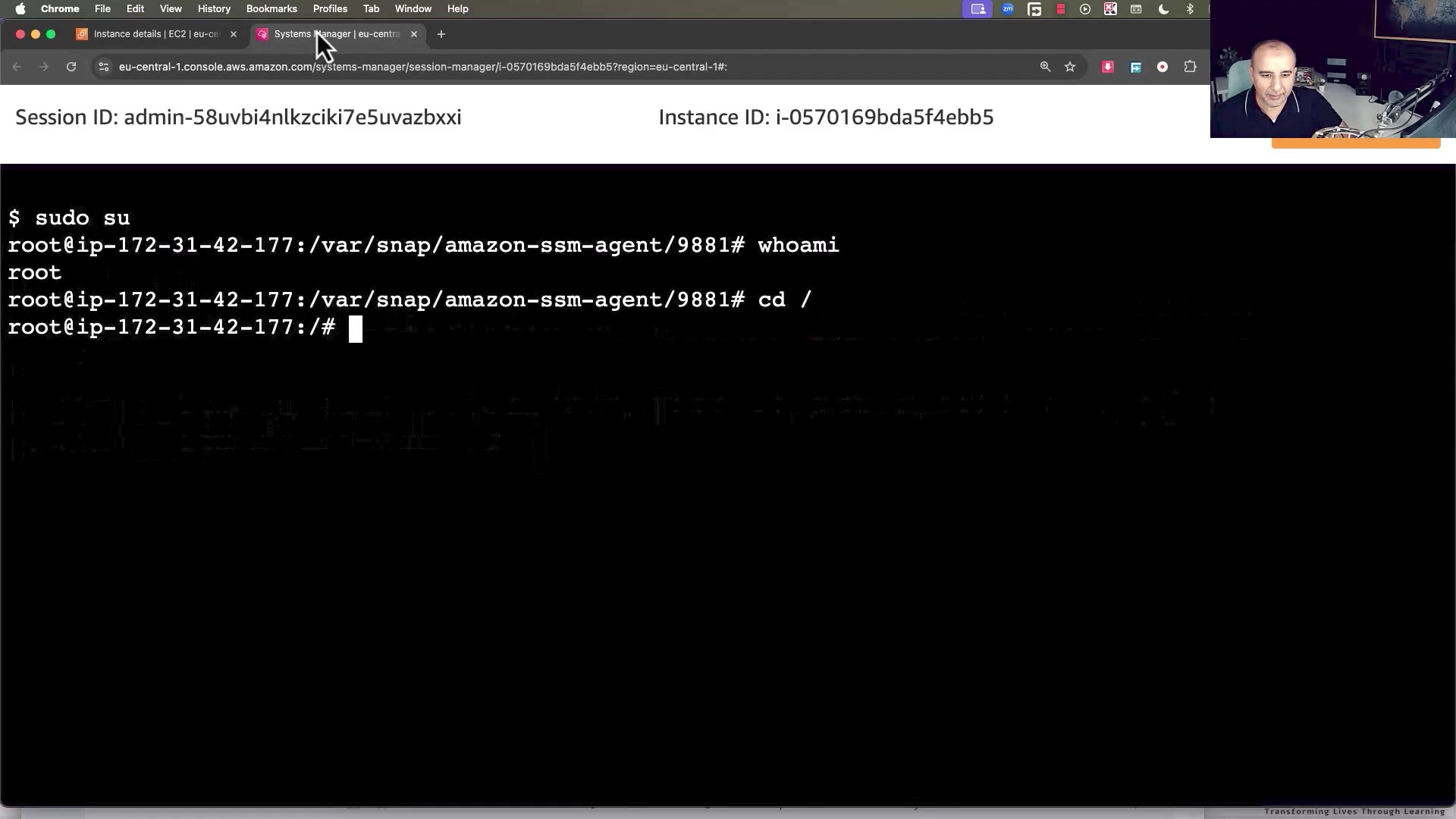
Inspecting build cache hits and layer checksum hashes during docker build.
Production Multi-Stage Build (Node.js + React)
Multi-stage builds allow you to use heavy SDKs, compilers, and dev dependencies in build stages, then copy only the compiled static artifacts or minimal binaries into a razor-thin production runtime image.
Production Multi-Stage Dockerfile
# ================= STAGE 1: Build Stage =================
FROM node:20-alpine AS builder
WORKDIR /app
# Install dependencies with lockfile integrity
COPY package*.json ./
RUN npm ci
# Copy source code and build production bundle
COPY . .
RUN npm run build
# ================= STAGE 2: Production Runtime =================
FROM nginx:alpine-slim
# Copy compiled static assets from builder stage
COPY /app/dist /usr/share/nginx/html
# Copy custom reverse proxy config
COPY nginx.conf /etc/nginx/conf.d/default.conf
# Expose HTTP port
EXPOSE 80
# Run as non-root user for security compliance
USER nginx
CMD ["nginx", "-g", "daemon off;"]Result: 1.2GB down to 24MB!
The builder stage contained Node.js, npm cache, compiler tools, and source files (1.2GB). The final stage contains only the Nginx Alpine runtime and minified assets (24MB total). This reduces cloud deployment bandwidth by 98% and eliminates CVE vulnerabilities!
Keep going: ← Lesson 5 · Lesson 7 → · Module overview · Track it in the Self Guide
Finished this one?
Part of Self Guide · Stage 3: Containers with Docker. Progress is saved in this browser.