W3DevOps Module · Docker: Containers vs VMs, Layer Caching, Multi-Stage Builds and Compose
Containers are just Linux processes with namespaces and cgroups. This chapter of my DevOps handbook goes from that idea to production Dockerfiles that shrink a 1.2 GB image to 24 MB, and full Compose stacks.
Every project in my portfolio ships with a Dockerfile. Not because Docker is fashionable, but because it's the only way I've found to make "it works on my M2 MacBook" also true on a linux/amd64 Cloud Run instance.
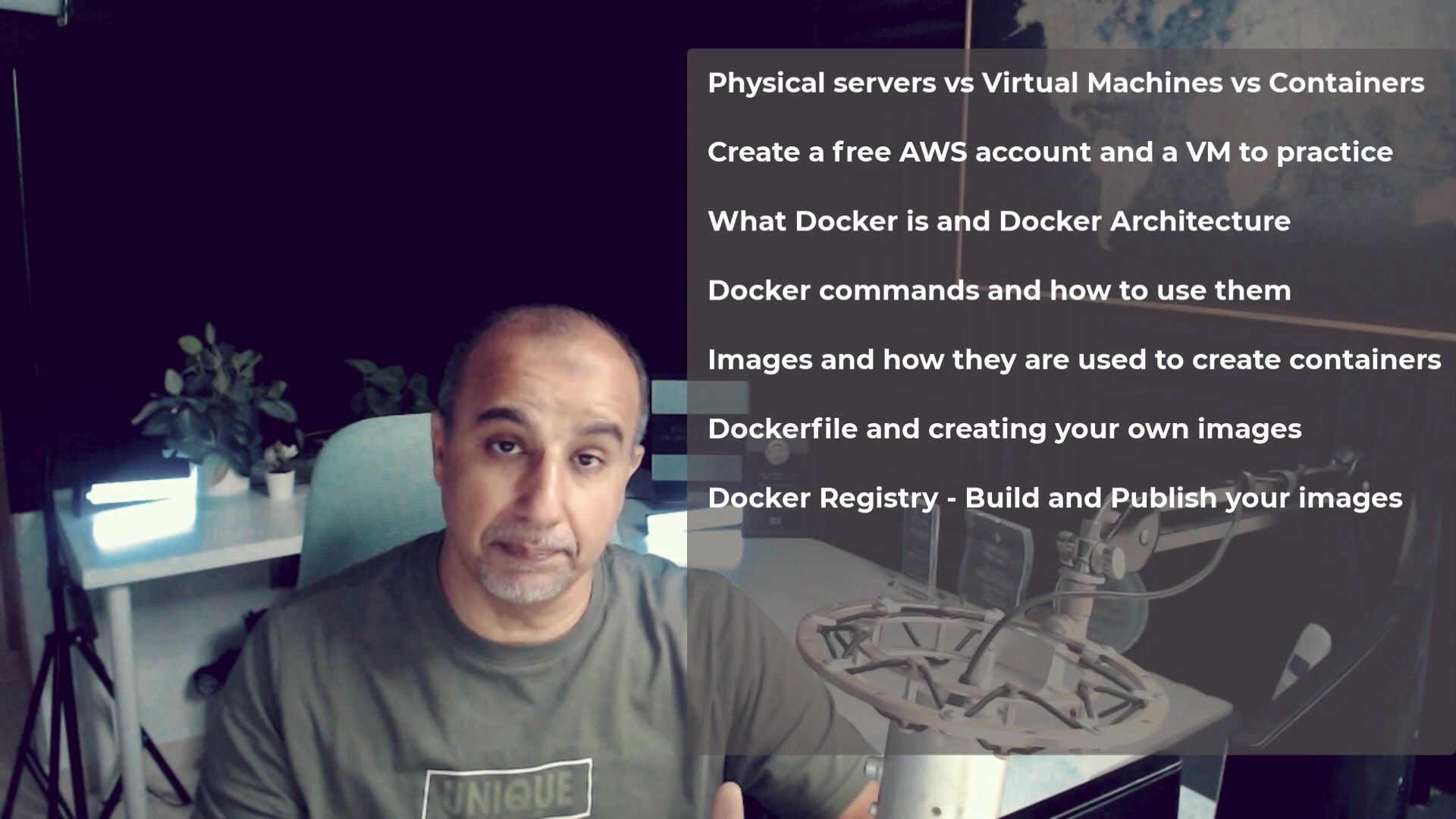
This is the Docker module of my W3DevOps course: four lessons with the exact commands and files I use.
What this module covers
- How the Linux kernel actually creates a container (namespaces + cgroups) and how that differs from a hypervisor
- The Docker CLI lifecycle —
run,ps,exec,logs,inspect,prune - Dockerfile engineering: layer-cache ordering,
.dockerignore, and multi-stage builds - Compose for multi-service stacks: frontend + API + Postgres + Redis
Lessons in this module
- Containers vs Virtual Machines & Docker Architecture — "It works on my machine" was the bane of software engineering. Docker solved this forever by packaging an application together with its runtime, dependencies, system libraries, and configurations into a…
- Essential Docker CLI Commands & Lifecycle — Learn the daily command toolkit used by DevOps teams to manage, execute, inspect, and troubleshoot container instances.
- Dockerfile Engineering & Multi-Stage Optimization — A Dockerfile is a recipe of instructions that builds a container image layer by layer. Efficient Dockerfile authoring separates novice engineers from experienced DevOps practitioners.
- Docker Compose for Multi-Container Systems — Real applications are never a single container. You have web frontends, API backends, PostgreSQL databases, Redis caches, and background workers. Docker Compose lets you define and run the entire stack with…
Start with Lesson 04: Containers vs Virtual Machines & Docker Architecture — every lesson links to the next, and you can mark each one complete.
What I do differently in my own Dockerfiles
The handbook shows the textbook version. Here is what the real files in my projects add on top:
- Health checks in the image, not the orchestrator. Nora Labs ships
HEALTHCHECK ... curl -fsS http://localhost:${PORT}/healthso Docker, Compose and Cloud Run all agree on liveness. PORTfrom the environment. Cloud Run injectsPORT; locally it defaults to 8000. TheCMDusessh -c "exec uvicorn ... --port ${PORT}"so signals still reach the server process.- Install heavy deps before copying code. Quintrix ITSO pins CPU-only
torch==2.5.1from the PyTorch wheel index in its own layer — that layer is ~800 MB and almost never changes. - Copy workspace manifests first in monorepos. CinePrompt copies each
package.json(packages/engine,apps/web,apps/server) beforenpm ci, so editing a React component never re-installs dependencies. - Drop root. CinePrompt runs as
USER nodeandchowns only/dataand the Remotion bundle. - Know where the GPU is. Docker on macOS runs in a Linux VM that cannot see the M2 GPU, so Quintrix's README tells you to run natively for MPS acceleration.
Next in the series: Kubernetes architecture and workloads.
Keep going: Start the module → · Full course outline · Self Guide
Finished this one?
Part of Self Guide · Stage 3: Containers with Docker. Progress is saved in this browser.