W3DevOps Module · Google Cloud: Resource Hierarchy, Compute Engine, Cloud Storage and GKE
The GCP track of my handbook — the platform most of my projects actually run on. Organisation → folders → projects, gcloud, e2 VMs and Managed Instance Groups, GCS storage classes and GKE Autopilot vs Standard.
Google Cloud is where my projects live: Nora Labs and CryptoEdge on Cloud Run, Quintrix ITSO on a Compute Engine VM, and my Coolify control plane on an e2 instance in us-central1-b. This is the Google Cloud module of the course — 20 lab captures and the gcloud commands I keep coming back to.
What this module covers
- The four-tier resource hierarchy and why billing budgets and alerts come first
- Cloud Shell and essential
gcloudcommands - Creating an
e2-mediumUbuntu VM from the CLI, and Managed Instance Groups with autoscaling - The four GCS storage classes and lifecycle rules
- GKE Autopilot vs Standard
Lessons in this module
- Google Cloud Platform (GCP) Fundamentals — Google Cloud Platform provides enterprise-grade global infrastructure built on the exact same high-speed networks and data centers that power Google Search, YouTube, and Gmail.
- Google Compute Engine (GCE) & Instance Groups — Compute Engine delivers high-performance virtual machines running on Google's Andromeda SDN network. With custom machine shapes, you can pick any combination of vCPU cores and RAM.
- Google Cloud Storage (GCS) — Google Cloud Storage (GCS) is an exabyte-scale object storage service providing global edge caching, strong consistency out of the box, and automated lifecycle policies.
- Google Kubernetes Engine (GKE) & Operations — Google invented Kubernetes. GKE is the premier managed Kubernetes implementation in the industry, featuring four-way autoscaling (horizontal pod autoscaling, vertical pod autoscaling, node…
Start with Lesson 17: Google Cloud Platform (GCP) Fundamentals — every lesson links to the next, and you can mark each one complete.
Lessons from deploying real projects on GCP
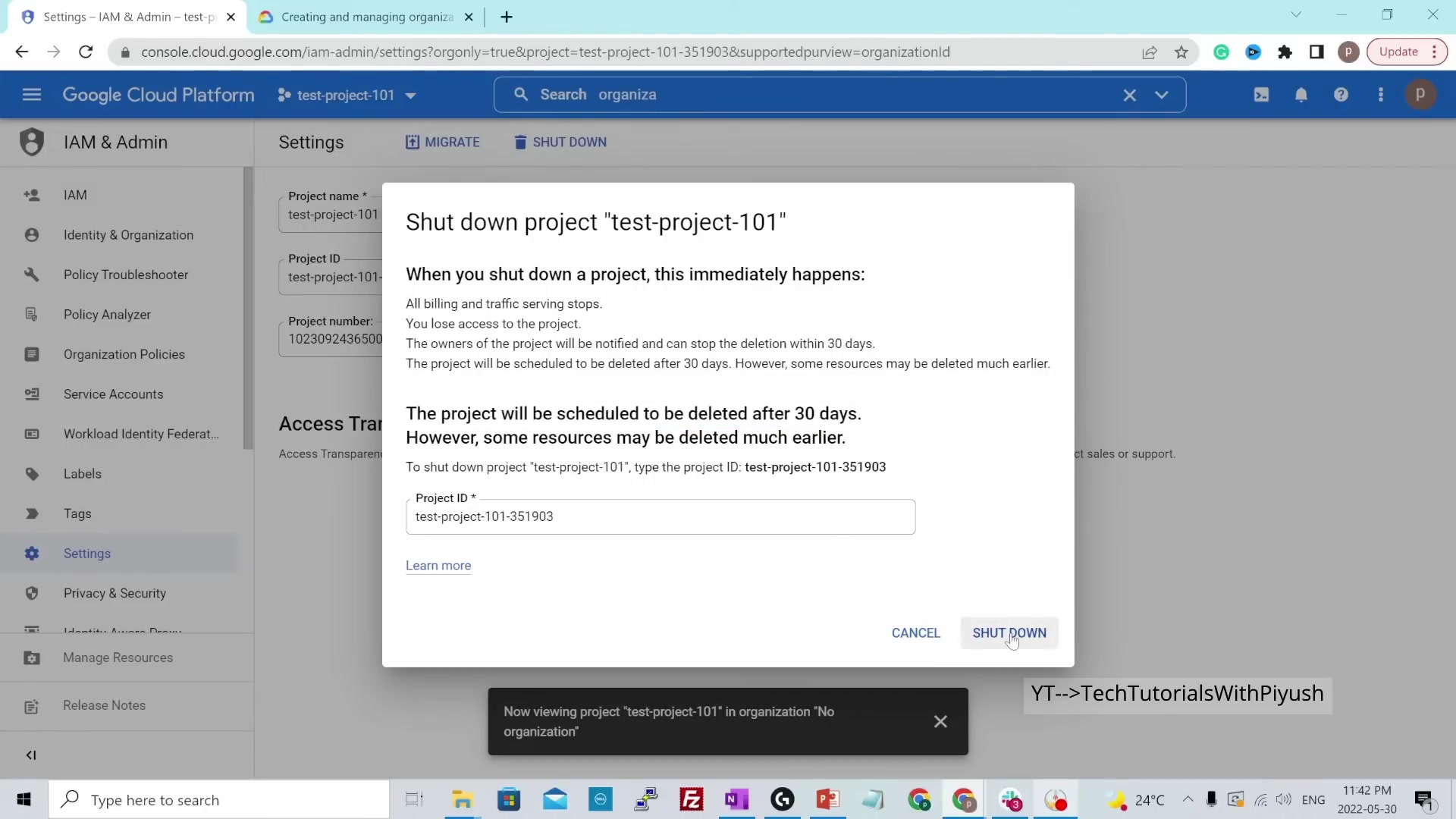
- Set a budget alert before anything else. It's the first lab in this track for a reason.
- New projects have no Cloud Build default service account.
gcloud builds submitfails withUnknown service accounton a fresh project. Nora Labs' deploy script therefore builds locally forlinux/amd64and pushes straight to Artifact Registry until a builder SA withroles/cloudbuild.builds.builderexists. - Model availability is per region.
gemini-2.5-flashresolves inus-central1; a model 404 elsewhere is caught and Nora's deterministic engine answers instead. - Mount a bucket for state. Cloud Run's filesystem is ephemeral — Nora mounts a GCS bucket at
/dataso saved trips survive instance recycling.
Next in the series: from bare metal to Nginx, TLS and CDNs.
Keep going: Start the module → · Full course outline · Self Guide
Finished this one?
Part of Self Guide · Stage 6: Google Cloud. Progress is saved in this browser.