Transcript Maker: One Workspace for Captions, Sinhala Translation and SRT Timing
From YouTube link to edited, translated, re-timed subtitles — SHA-256 caching, click-to-seek and honest estimated timing.
Subtitling a Sinhala YouTube video usually means three tools: one to pull captions, one to translate, and one to fix timing — with copy-paste between them and a lost afternoon when the SRT drifts by half a second.
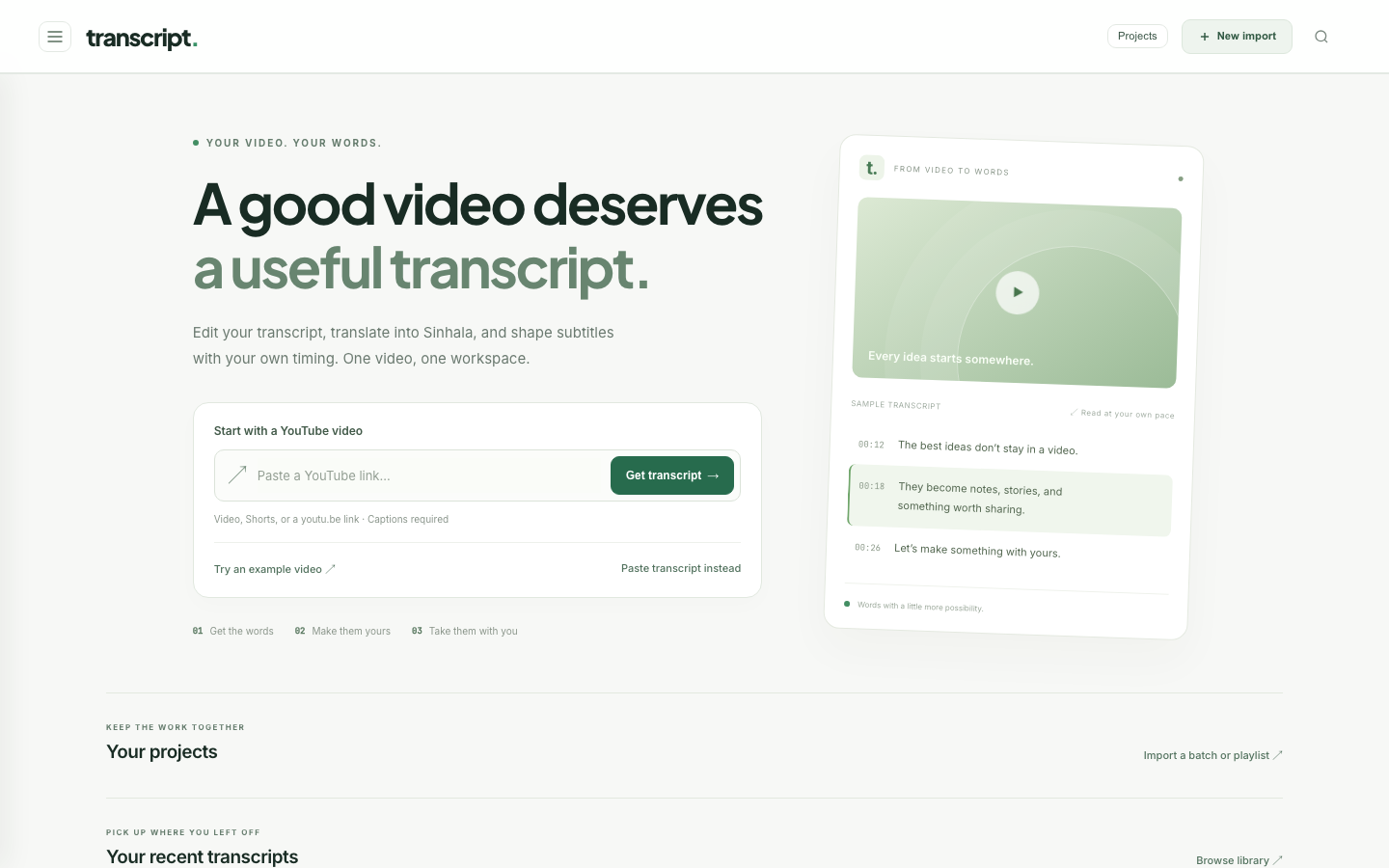
Transcript Maker puts it in one workspace: paste a YouTube link, correct the text, translate (Sinhala by default), and edit caption timing down to the millisecond, then export SRT or VTT.
The workflow
- Get transcript. Paste a link; the Flask backend fetches captions with
youtube-transcript-api/yt-dlp. Saved transcripts reopen instantly. Videos without accessible captions return a visible error, and Paste transcript instead works with text you already have. - Edit. Correct the transcript like a normal document. Paragraphs keep their cue timing; adding or removing paragraphs estimates new timing. Drafts are kept locally; Save changes writes to disk.
- Translate. Sinhala by default, any language on request. The translation is editable and saved separately from the original.
- Subtitles / SRT. Edit each caption's words, start and end. Times accept
HH:MM:SS.mmm,MM:SSor plain seconds like12.5. - Split here / Merge next / Undo edit for caption surgery. Import an existing
.srtor.vttto edit it. - Natural flow. Line-length and duration controls; Break into readable captions redistributes text into smaller cues.
- Custom ranges. Select captions, enter a start/end, Fit selected captions to range. Download range SRT exports only overlapping cues; Start range SRT at 00:00 re-bases them for a trimmed clip.
These export subtitle files — they don't cut video. The app is honest about that line.
Decisions
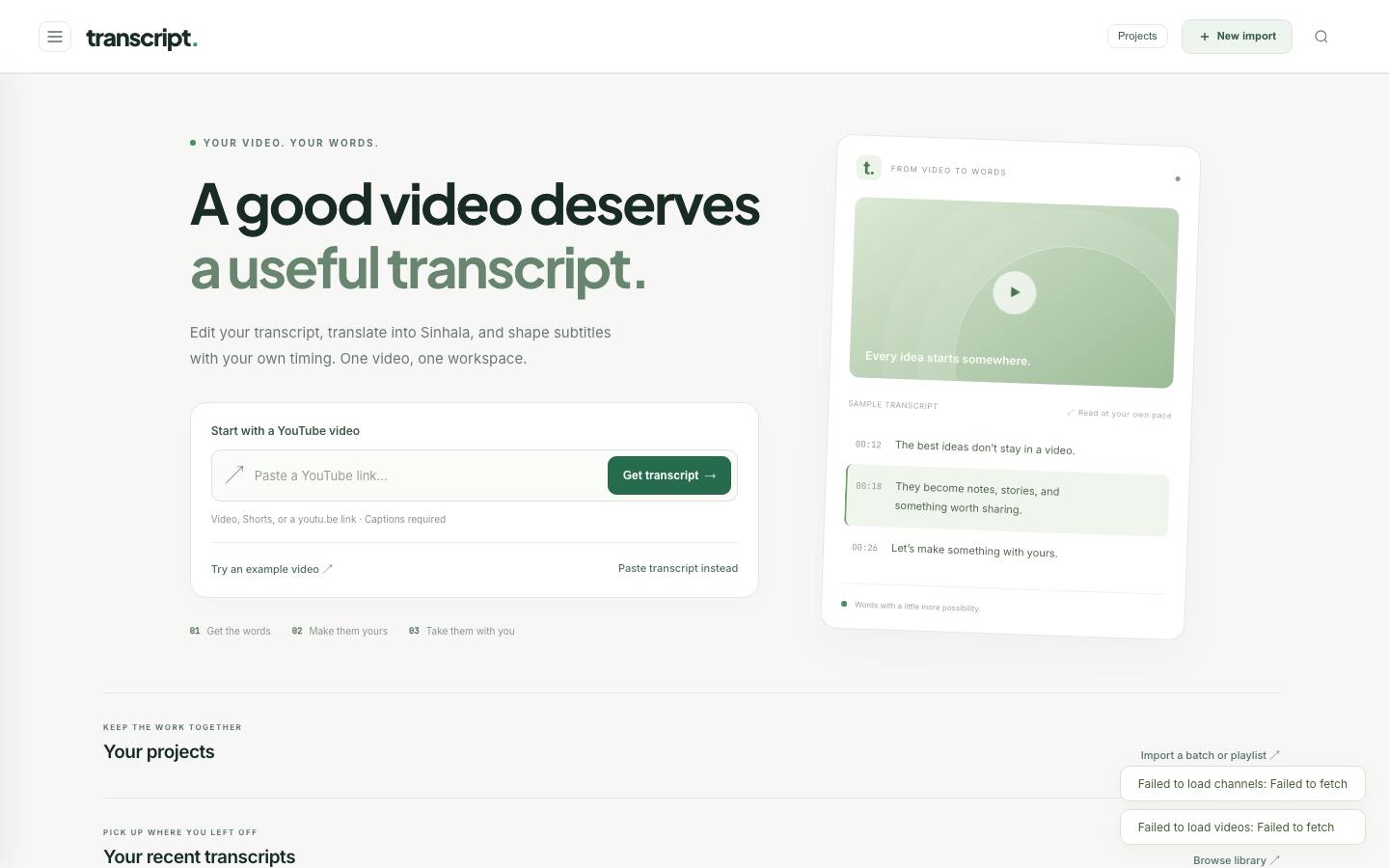
Cache everything, deterministically. YouTube rate-limits and IP-blocks repeated caption requests. Every fetched track is cached on disk keyed by a SHA-256 of its source, so the second open of a video is instant and never touches YouTube.
Click-to-seek. HTML5 media events are bound to rendered caption spans: clicking a word seeks playback to that cue. Checking timing becomes clicking, not scrubbing.
Estimated timing is labelled as estimated. Anything the app computes rather than reads — redistributed captions, new paragraphs — is called an estimate in the UI, with a reminder to check against playback.
Focus over features. An earlier version generated voice-overs. It was removed. The app does transcripts and subtitles, and does them well.
Running it
pip install -r requirements.txt
PORT=5050 python3 server.py        # or: docker compose up --build
In Docker it runs under Gunicorn with the transcript cache on a volume, so cached work survives container rebuilds.
Finished this one?
Progress is saved in this browser.