Google Compute Engine (GCE) & Instance Groups
Compute Engine delivers high-performance virtual machines running on Google's Andromeda SDN network. With custom machine shapes, you can pick any combination of vCPU cores and RAM.
Lesson 18 of 26 · Module: Google Cloud
20 min read · Source notes — Google Compute Engine & MIG Demo
Compute Engine delivers high-performance virtual machines running on Google's Andromeda SDN network. With custom machine shapes, you can pick any combination of vCPU cores and RAM.
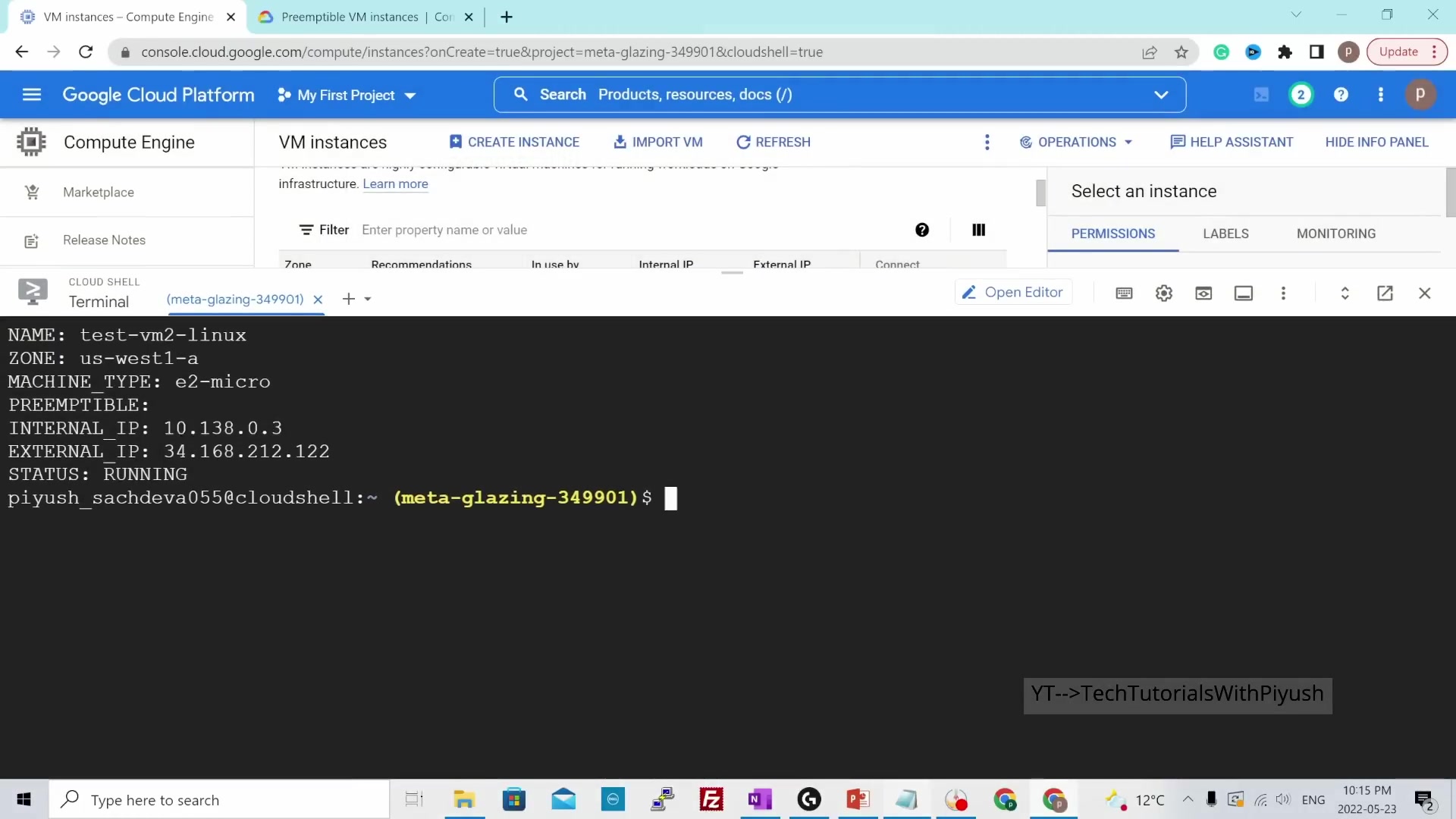
Connecting to Compute Engine VM instances using browser-based SSH and OS Login keys.
1. Provisioning a VM via gcloud CLI
Command to Create an e2-medium Ubuntu Instance
gcloud compute instances create web-instance-1 \
    --zone=us-central1-a \
    --machine-type=e2-medium \
    --image-family=ubuntu-2204-lts \
    --image-project=ubuntu-os-cloud \
    --tags=http-server,https-server \
    --metadata=startup-script='#!/bin/bash
      apt update -y
      apt install -y nginx
      systemctl start nginx'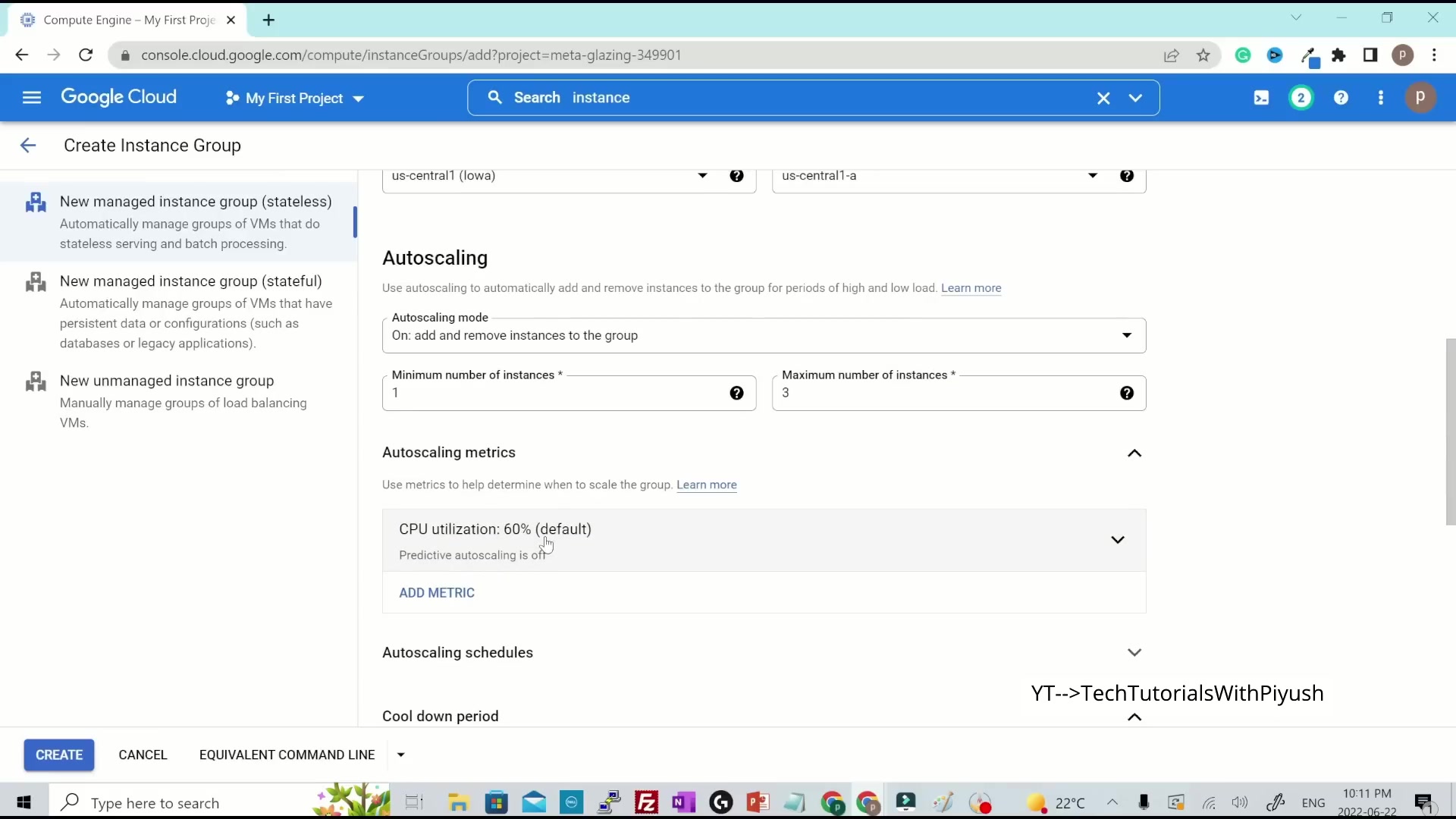
Demonstrating self-healing and automatic horizontal scaling based on CPU utilization.
2. Managed Instance Groups (MIGs)
A Managed Instance Group uses an Instance Template to manage a pool of identical VMs across multiple zones:
- Automatic Self-Healing: Health check probes continuously ping applications. If a VM fails, the MIG deletes and recreates the instance automatically.
- Autoscaling: Automatically adds or removes VMs in response to CPU load, HTTP request latency, or Pub/Sub queue depth.
- Rolling Updates: Deploys new application versions with zero downtime by updating VMs one by one (Canary releases).
Keep going: ← Lesson 17 · Lesson 19 → · Module overview · Track it in the Self Guide
Finished this one?
Part of Self Guide · Stage 6: Google Cloud. Progress is saved in this browser.