Storage & Distribution: S3 + CloudFront CDN
Serving static HTML, CSS, JavaScript bundles, and images directly from an application server (like Node.js or Python) consumes valuable CPU cycles and results in sluggish load times for overseas users. The…
Lesson 23 of 26 · Module: Production web
22 min read · Source notes — Storage & Distribution + CDNs
Serving static HTML, CSS, JavaScript bundles, and images directly from an application server (like Node.js or Python) consumes valuable CPU cycles and results in sluggish load times for overseas users. The industry standard pattern is decoupling static assets to S3 and distributing them via a CDN.
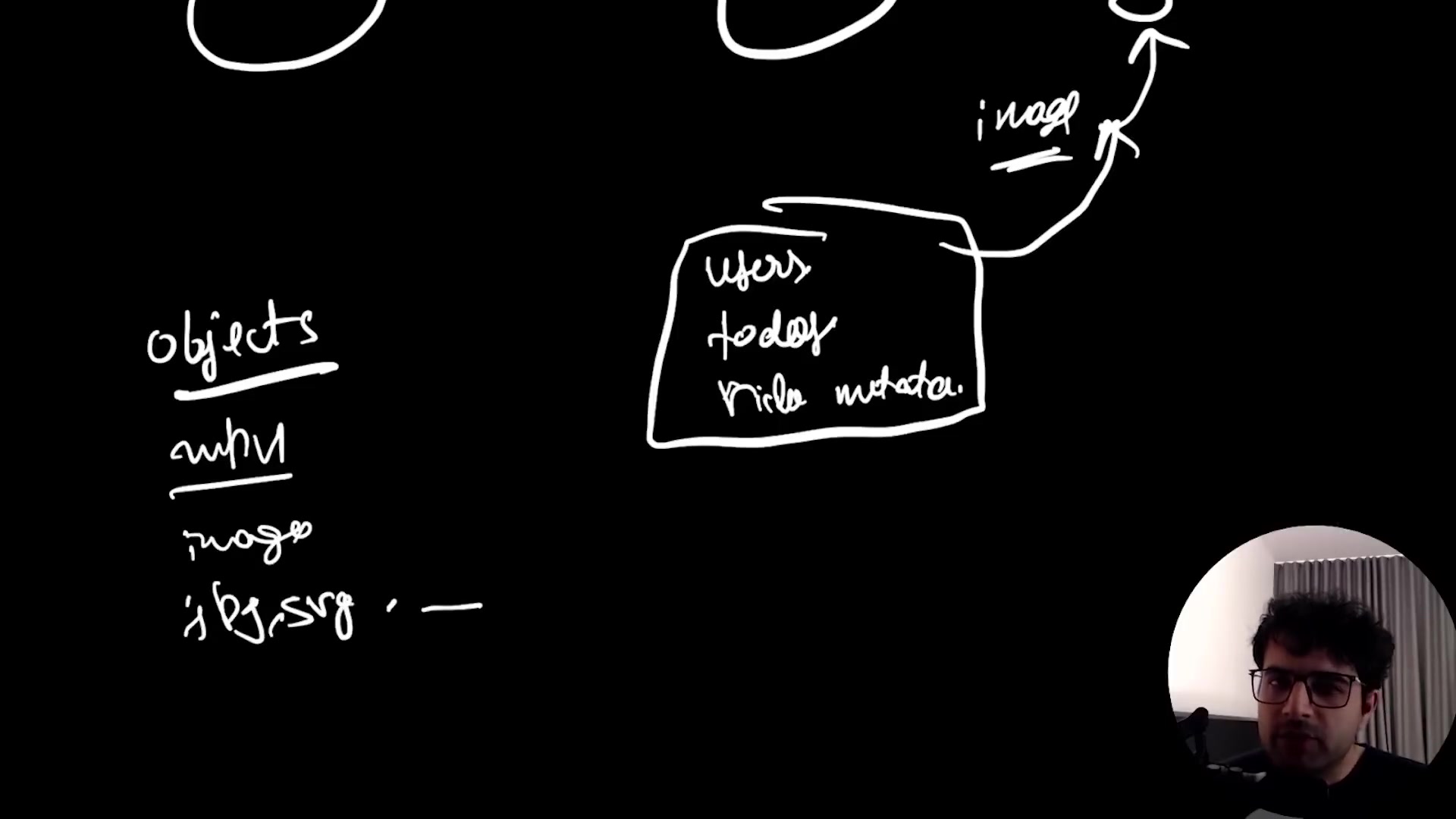
Instructor diagramming how static frontend bundles live in object storage while dynamic APIs run on compute instances.
1. What is a Content Delivery Network (CDN)?
A CDN is a geographically distributed network of proxy edge servers that cache content close to end users. If your S3 bucket is in N. Virginia (us-east-1) and a user in Tokyo opens your site:
- Without CDN: Every image and JS chunk travels 14,000 km across the Pacific Ocean, introducing
250ms - 400mslatency per request. - With CDN (CloudFront): The request hits the Tokyo Edge Location in
5ms! If cached (Cache Hit), CloudFront responds instantly without ever touching your origin S3 bucket.
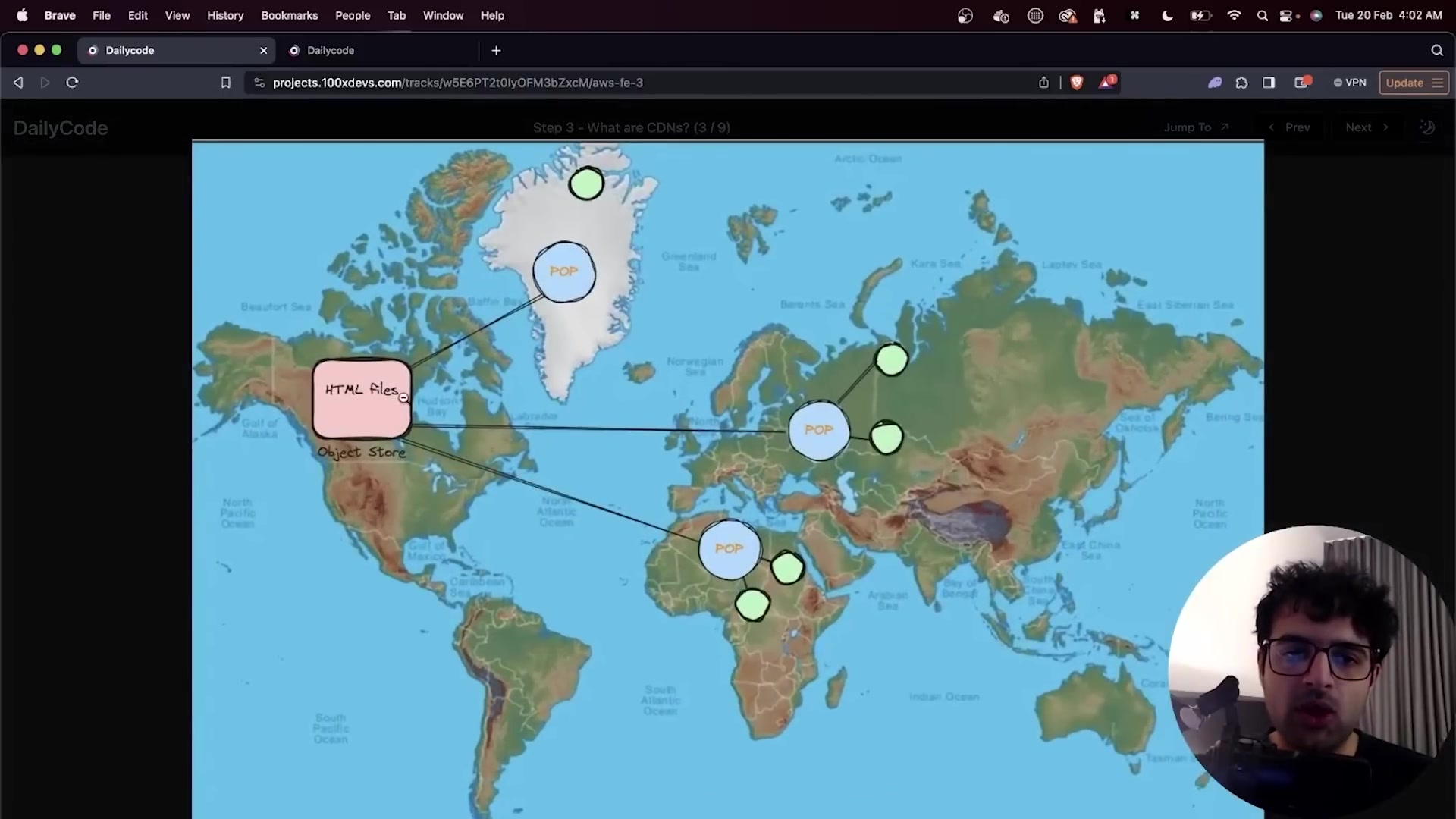
Explaining edge caching, origin servers, and cache invalidation strategies.
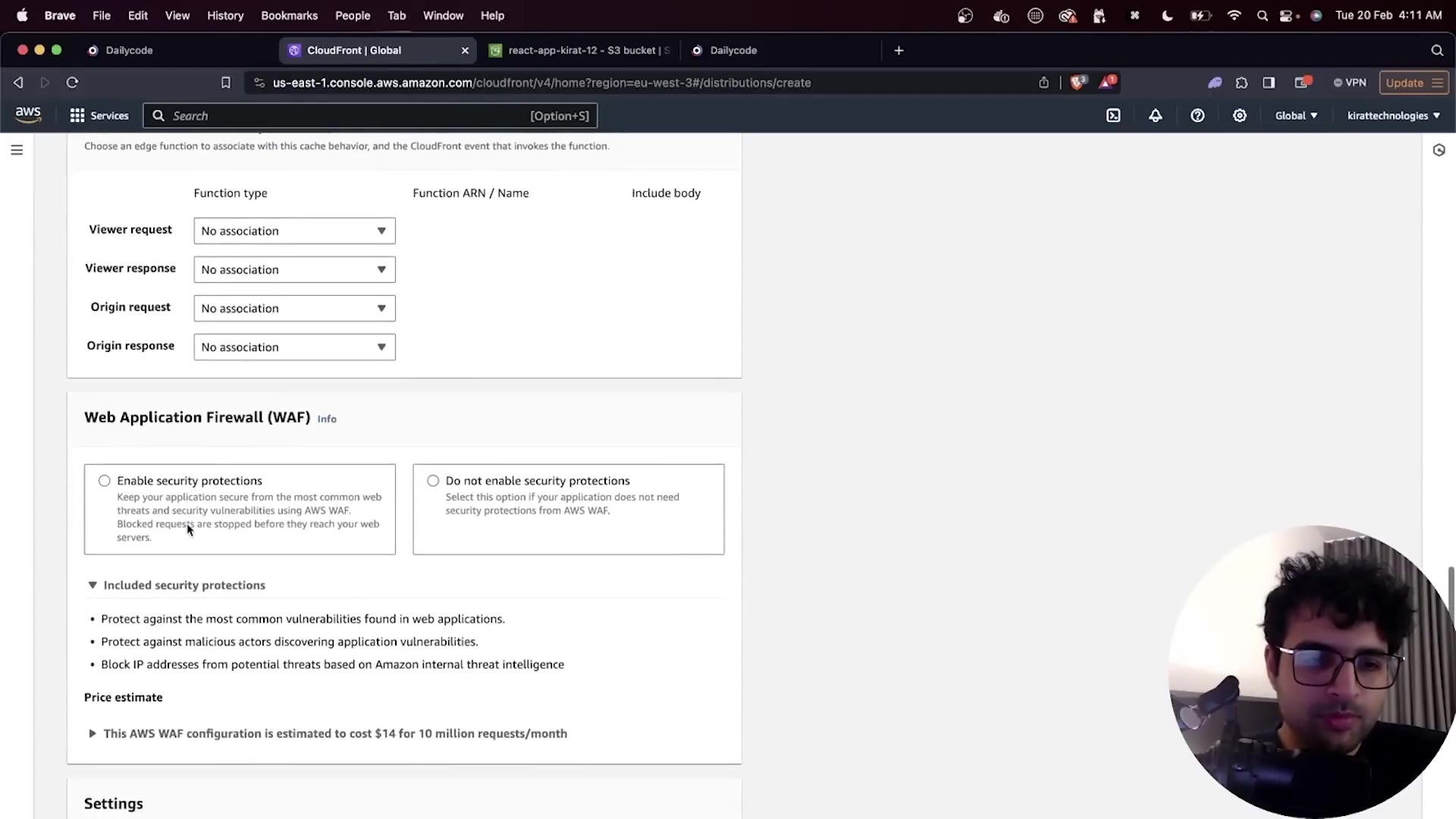
Configuring Origin Domain, Origin Access Control (OAC), and Viewer Protocol Policy (Redirect HTTP to HTTPS).
2. Handling SPA Routing (Setting Custom Error Pages)
In client-side Single Page Applications (React, Next.js static exports, Vue, Angular), client-side routing handles paths like /dashboard or /login.
Because there is no physical file called /dashboard on S3, S3 returns a 403 Forbidden or 404 Not Found. To solve this, configure CloudFront's Custom Error Responses:
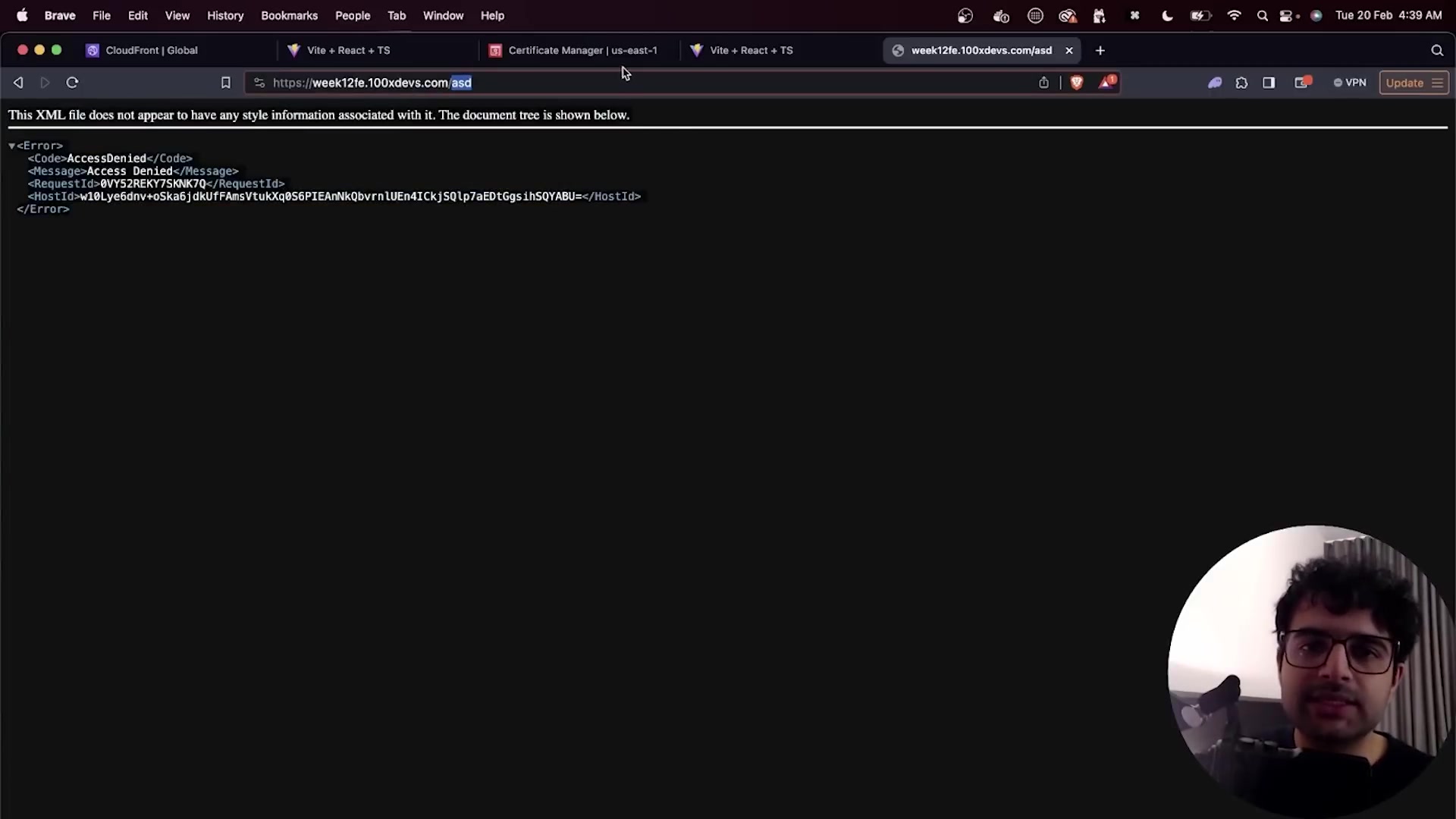
Redirecting HTTP 403/404 errors to /index.html with HTTP 200 OK status code.
| Setting | Configured Value | Reason |
|---|---|---|
| HTTP Error Code | 403: Forbidden or 404: Not Found | Triggered when S3 cannot find a matching key object. |
| Customize Error Response | Yes | Overrides default raw XML error page. |
| Response Page Path | /index.html | Loads the React/Vue bundle so client router takes over. |
| HTTP Response Code | 200: OK | Ensures the browser treats the page load as successful. |
Keep going: ← Lesson 22 · Lesson 24 → · Module overview · Track it in the Self Guide
Finished this one?
Part of Self Guide · Stage 7: Production web: DNS, Nginx, TLS, CDN. Progress is saved in this browser.