Essential Kubectl Commands & Production Debugging
kubectl is the official command-line client used to control any Kubernetes cluster. Below is the ultimate reference matrix used during production outages and deployments.
Lesson 11 of 26 · Module: Kubernetes
15 min read · Source notes — YAML and Kubeconfig
kubectl is the official command-line client used to control any Kubernetes cluster. Below is the ultimate reference matrix used during production outages and deployments.
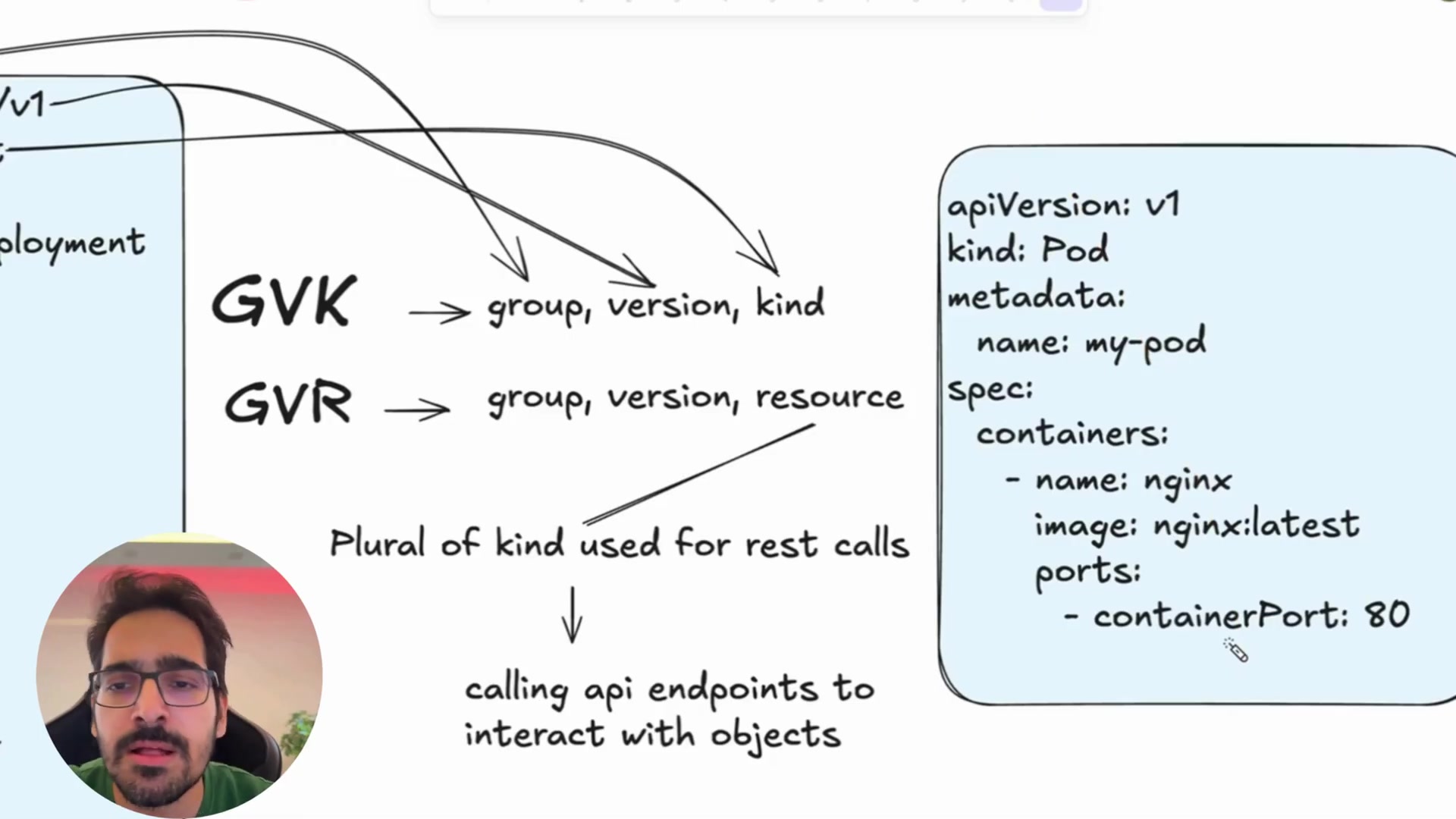
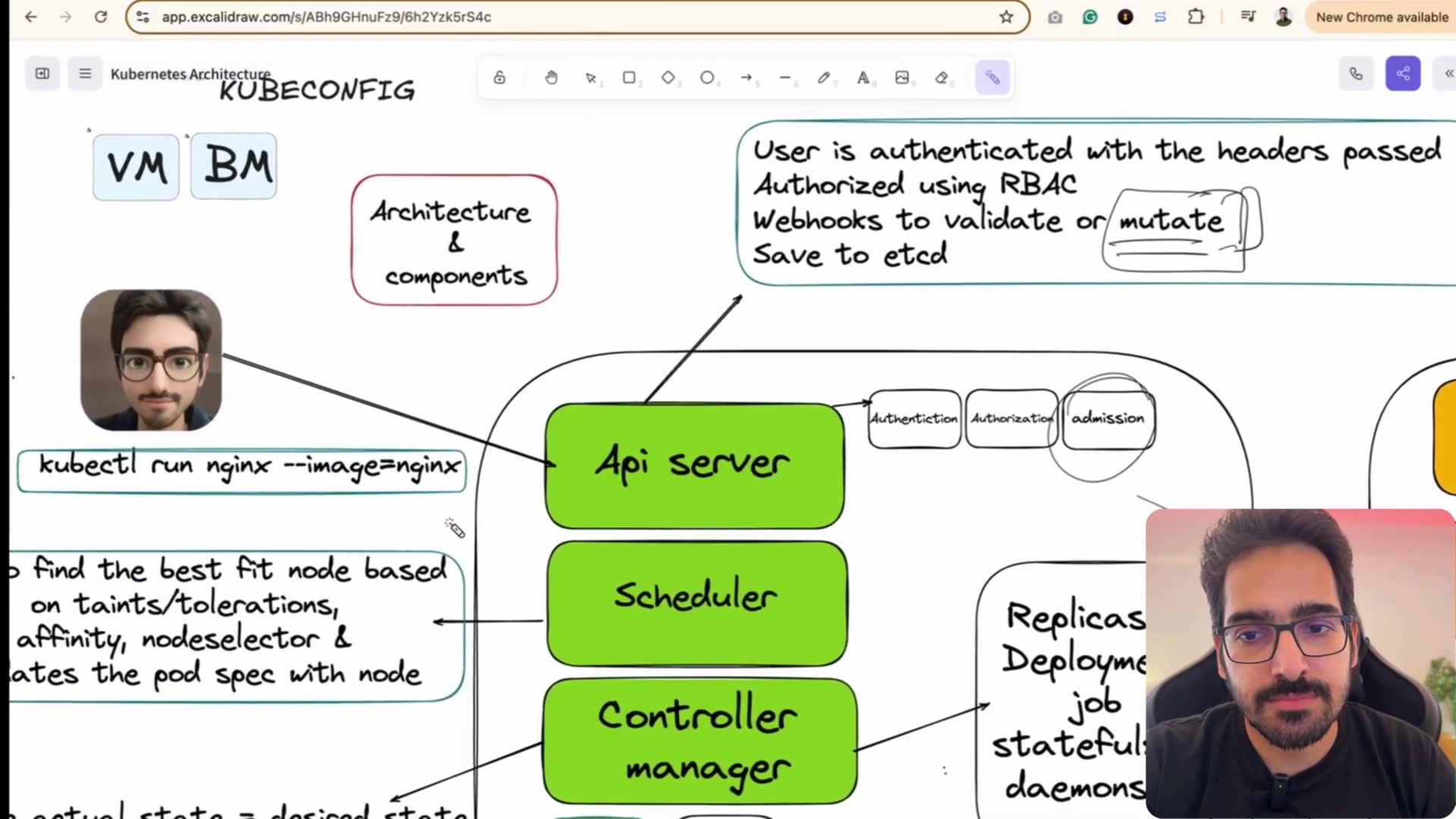
Instructor explaining kubeconfig context switching, clusters, and authentication certificates.
1. Cluster Inspection & Contexts
| Command | Description |
|---|---|
kubectl cluster-info | Display addresses of the control plane and core services |
kubectl get nodes -o wide | List all worker nodes, internal IPs, OS images, kernel versions |
kubectl config get-contexts | List all configured cluster environments in ~/.kube/config |
kubectl config use-context prod-cluster | Switch active cluster context immediately |
2. Workloads & Pod Operations
Live Command Examples
ExampleShell
# Get all pods across all namespaces
kubectl get pods -A

# Watch pods in real time (great during rollouts)
kubectl get pods -n production -w

# Describe a failing pod (Reveals events like ImagePullBackOff or OOMKilled!)
kubectl describe pod api-service-6789 -n production

# Stream logs from a running pod
kubectl logs -f api-service-6789 -n production

# Stream logs from previous crashed instance of a pod
kubectl logs -p api-service-6789 -n production

# Open interactive shell in a container
kubectl exec -it api-service-6789 -n production -- /bin/sh

# Port-forward a cluster database directly to your local laptop (localhost:5432)
kubectl port-forward svc/postgres-db 5432:5432 -n production
Decoding Common Kubernetes Status Errors
- CrashLoopBackOff: The application process started and then immediately exited (uncaught exception, missing environment variable, failed DB connection). Check with
kubectl logs <pod>. - ImagePullBackOff / ErrImagePull: Image does not exist, tag is misspelled, or the node lacks credentials to pull from a private registry (missing
imagePullSecrets). - Pending: Kube-scheduler cannot find any node with sufficient CPU/RAM requests, or the pod has unmet nodeSelector/taints. Check with
kubectl describe podevents. - OOMKilled (Exit Code 137): The container process consumed more memory than its
resources.limits.memory, triggering the Linux kernel out-of-memory killer. Increase memory limit.
Keep going: ← Lesson 10 · Lesson 12 → · Module overview · Track it in the Self Guide
Finished this one?
Part of Self Guide · Stage 4: Kubernetes. Progress is saved in this browser.