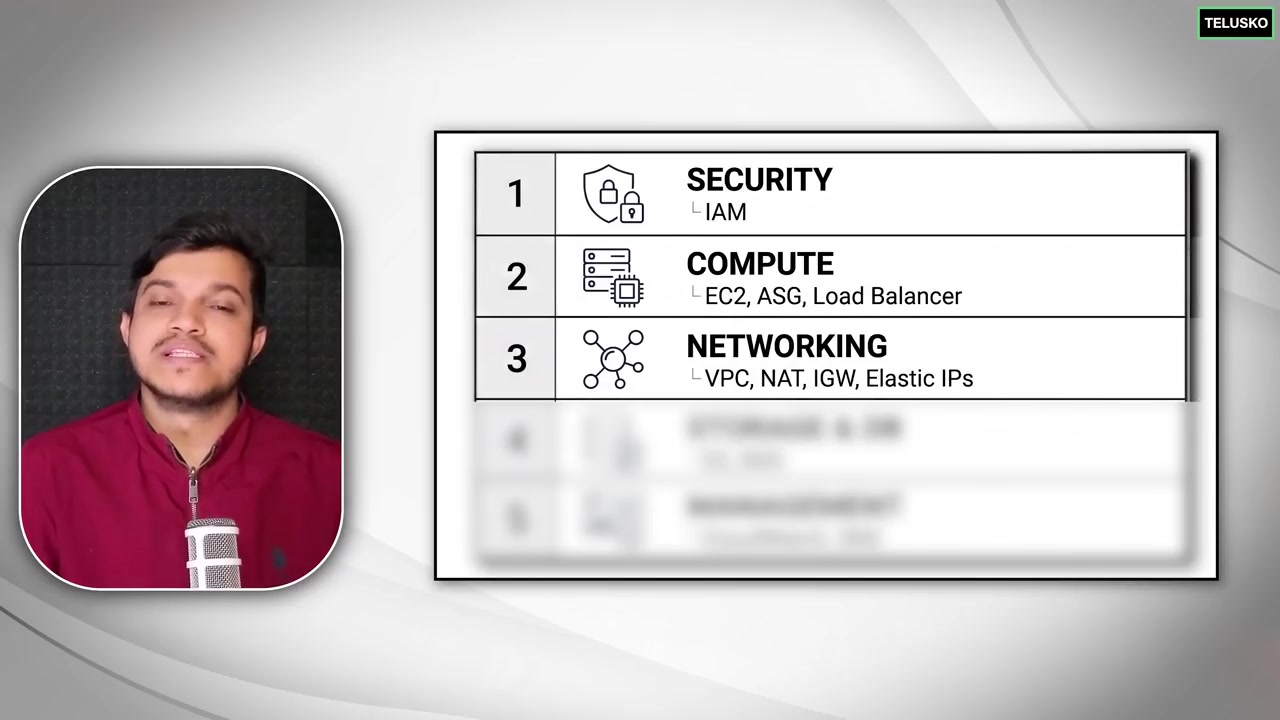
Amazon EC2 (Elastic Compute Cloud) & EBS Volumes
Amazon EC2 provides resizable virtual compute capacity in the cloud. It eliminates the need to invest in on-premise hardware up front, letting you launch hundreds of virtual servers in seconds.
Lesson 13 of 26 · Module: AWS
24 min read · Source notes — Introduction to EC2 & EBS Demo
Amazon EC2 provides resizable virtual compute capacity in the cloud. It eliminates the need to invest in on-premise hardware up front, letting you launch hundreds of virtual servers in seconds.
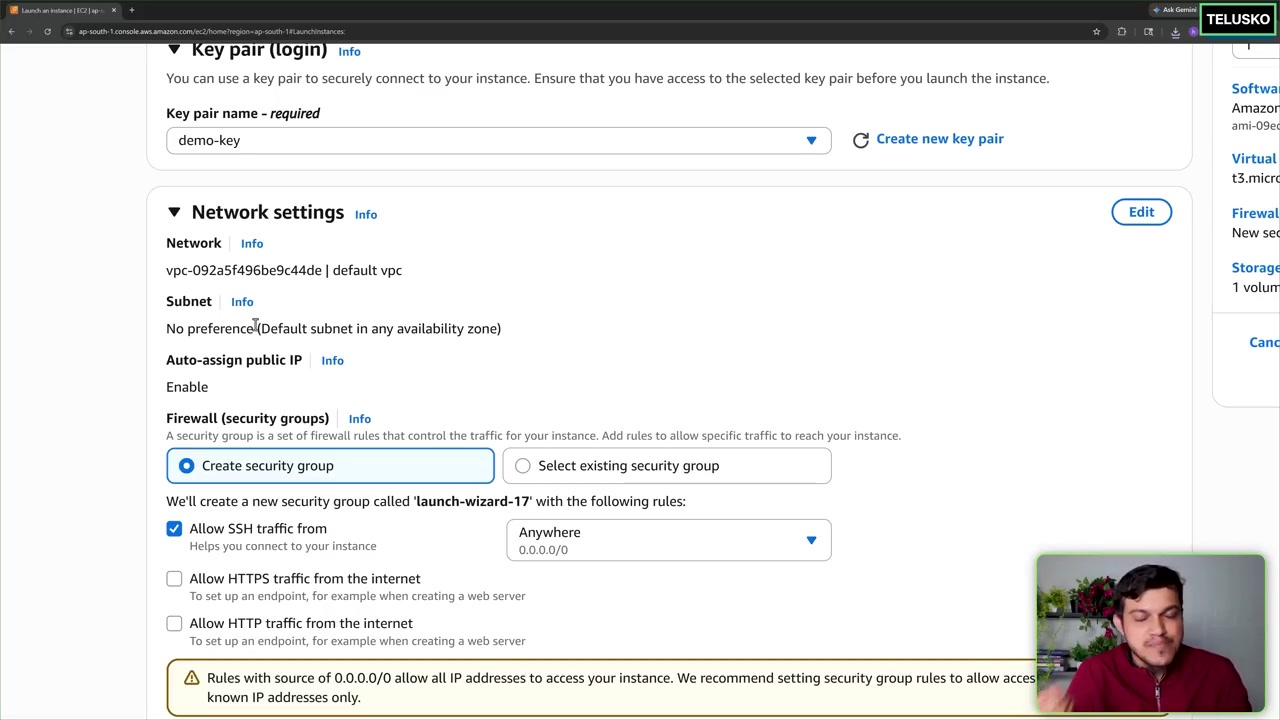
Configuring AMI (Amazon Machine Image), instance type (t3.micro), key pair, and network settings.
1. Anatomy of an EC2 Instance
- AMI (Amazon Machine Image): The pre-packaged operating system template (Ubuntu 24.04 LTS, Amazon Linux 2023, Debian, Windows Server).
- Instance Types:
t3/t4g (General Purpose / Burstable):Ideal for web servers, dev environments, microservices.c6/c7 (Compute Optimized):Batch processing, high-performance web servers, video encoding.r6/r7 (Memory Optimized):High-performance in-memory caches (Redis) and relational databases. - Security Groups: Virtual stateful firewalls that control inbound and outbound traffic. By default, all inbound traffic is blocked!
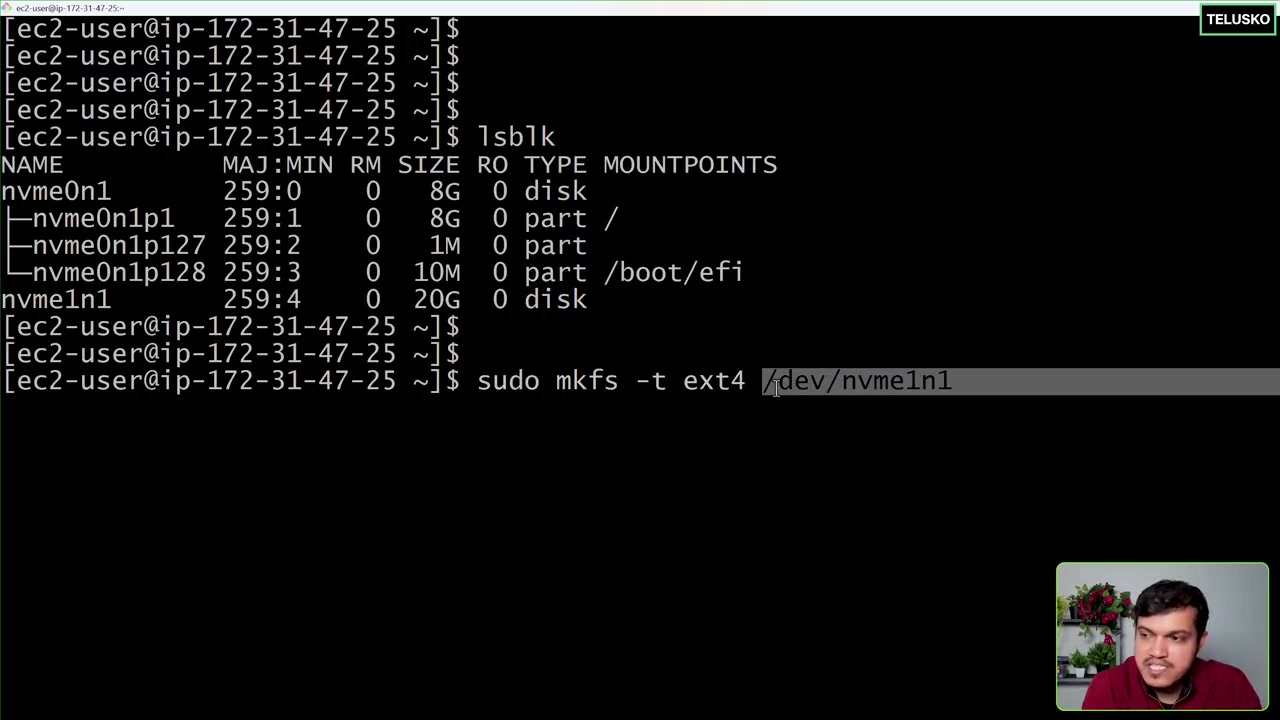
Hands-on walkthrough: creating an EBS volume, attaching to EC2, formatting with ext4, and mounting.
2. Hands-On Lab: Formatting & Mounting an Extra EBS Volume
When you attach a new EBS volume (e.g. /dev/xvdf), it is a raw block device with no filesystem. You must format and mount it:
EBS Mounting Steps on Linux
# 1. View all block storage devices attached to the VM
lsblk

# 2. Check if the device has a filesystem already (returns 'data' if unformatted)
sudo file -s /dev/xvdf

# 3. Format the volume with ext4 filesystem
sudo mkfs -t ext4 /dev/xvdf

# 4. Create a mount point directory
sudo mkdir -p /mnt/database_storage

# 5. Mount the volume
sudo mount /dev/xvdf /mnt/database_storage

# 6. Verify mounted capacity
df -h /mnt/database_storage

# 7. Make the mount permanent across server reboots (add to /etc/fstab via UUID)
UUID=$(sudo blkid -s UUID -o value /dev/xvdf)
echo "UUID=$UUID  /mnt/database_storage  ext4  defaults,nofail  0  2" | sudo tee -a /etc/fstab
3. Automating Server Boot with EC2 User Data
User Data scripts execute as root once during the initial instance launch. Perfect for bootstrap provisioning!
EC2 Bootstrap User Data Script
#!/bin/bash
# Automatically runs on first launch
apt update -y
apt install -y nginx docker.io

# Start and enable services on boot
systemctl start nginx
systemctl enable nginx
systemctl start docker
systemctl enable docker

# Create a custom landing page
echo "Deployed via AWS EC2 User Data Automation!" > /var/www/html/index.html
Keep going: ← Lesson 12 · Lesson 14 → · Module overview · Track it in the Self Guide
Finished this one?
Part of Self Guide · Stage 5: AWS fundamentals. Progress is saved in this browser.