Essential Docker CLI Commands & Lifecycle
Learn the daily command toolkit used by DevOps teams to manage, execute, inspect, and troubleshoot container instances.
Lesson 5 of 26 · Module: Docker
18 min read · Source notes — Docker Main Commands
Learn the daily command toolkit used by DevOps teams to manage, execute, inspect, and troubleshoot container instances.
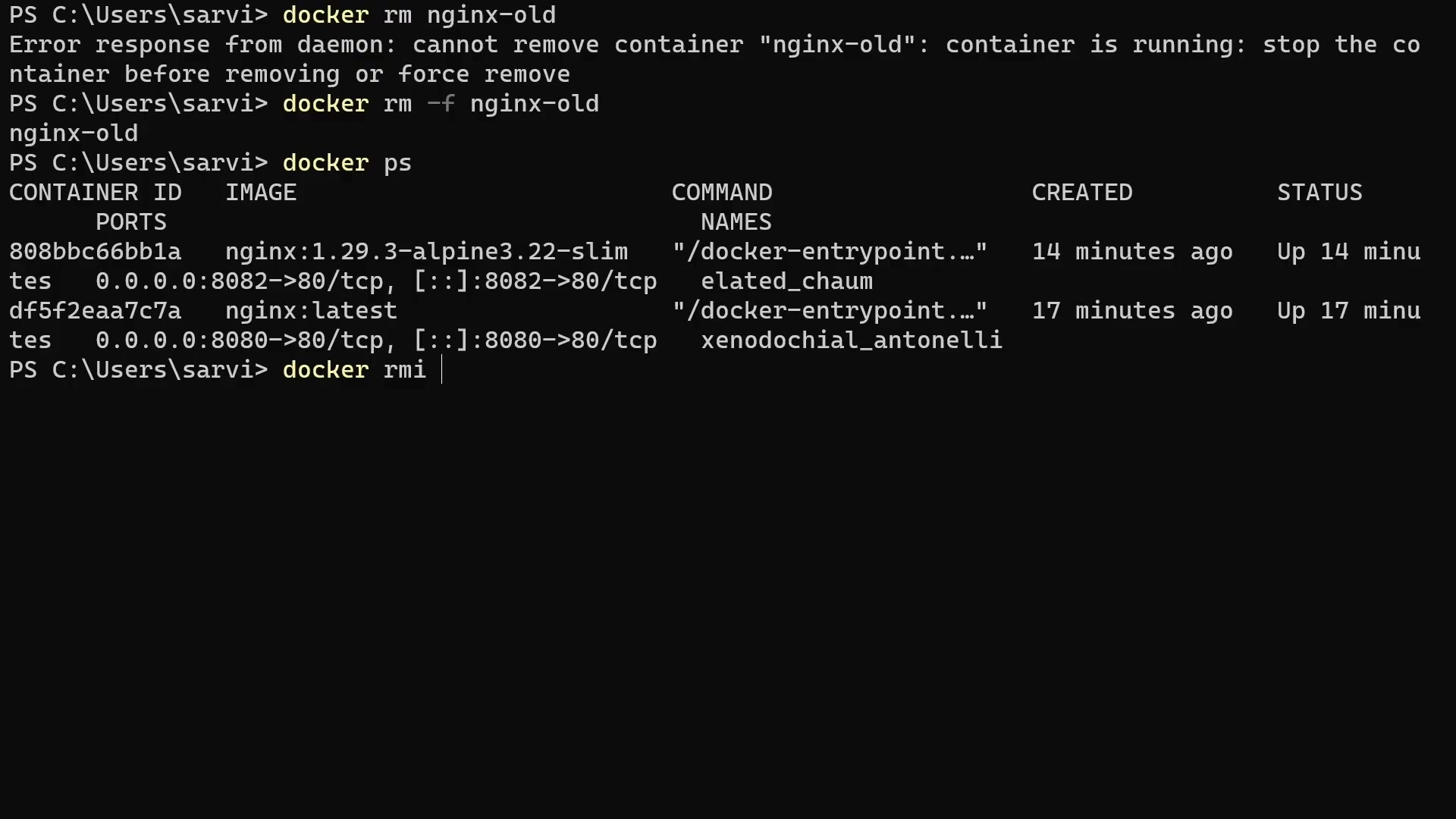
Instructor running docker pull, run, and inspecting container status tables.
1. Running Containers (docker run)
The docker run command combines docker pull (if image not found locally), docker create, and docker start into one atomic operation.
Example: Running an Nginx Web Server
# Run detached in background (-d) with name and port forwarding (-p host:container)
docker run -d \
  --name web-server \
  -p 8080:80 \
  --restart unless-stopped \
  nginx:alpine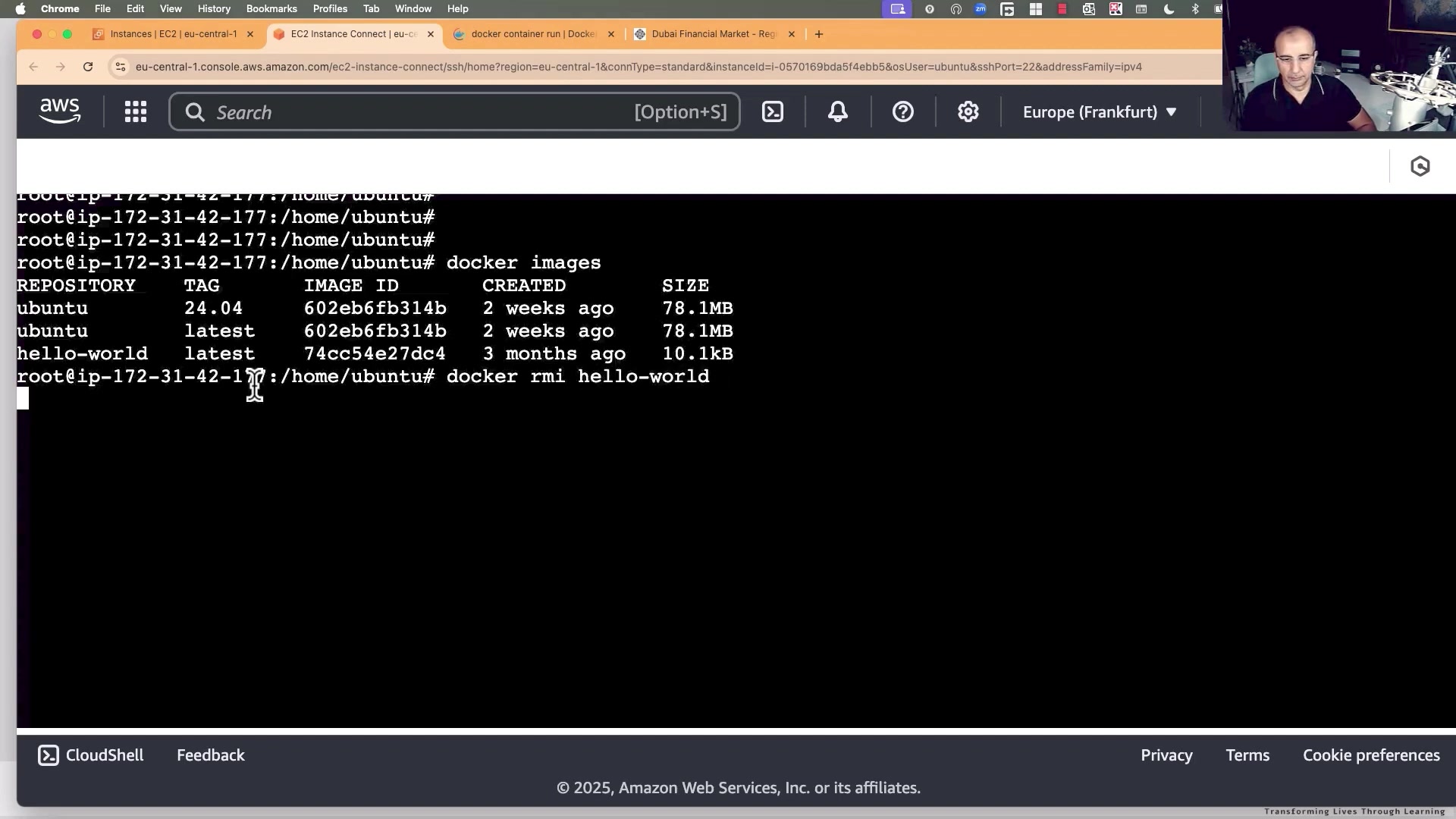
Demonstrating container port mapping and background daemon processes.
Core Command Matrix
| Command | DevOps Use Case | Key Flags |
|---|---|---|
docker ps | List running containers | -a (show stopped), -q (quiet, only IDs) |
docker logs <name> | Fetch container stdout/stderr logs | -f (follow/stream live), --tail 100 |
docker exec -it <name> sh | Open interactive shell inside running container | -i (interactive stdin), -t (allocate TTY) |
docker stop <name> | Sends SIGTERM, waits 10s grace period, then SIGKILL | -t 30 (wait 30 seconds before kill) |
docker rm <name> | Remove stopped container | -f (force remove running container) |
docker images | List local cached images with repository & tags | -q (IDs only for piping) |
docker system prune | Reclaim disk space by purging unused containers, networks, dangling images | -a --volumes (thorough cleanup) |
Pro Tip: Debugging Crashed Containers
If a container crashes immediately with Exit Code 1 or Exit Code 137, do not delete it! Run:
# View the final dying breath of the process
docker logs <container_id>

# Check the exact exit code and OOM status
docker inspect <container_id> --format='{{.State.ExitCode}} OOMKilled={{.State.OOMKilled}}'
Keep going: ← Lesson 4 · Lesson 6 → · Module overview · Track it in the Self Guide
Finished this one?
Part of Self Guide · Stage 3: Containers with Docker. Progress is saved in this browser.