Nginx: The Universal Reverse Proxy & Web Server
Nginx powers more than one-third of all active websites worldwide. In modern DevOps architectures, you never expose backend processes (like Express, Django, or Spring Boot) directly to the public internet…
Lesson 22 of 26 · Module: Production web
25 min read · Source notes — Nginx Reverse Proxy & Configuration
Nginx powers more than one-third of all active websites worldwide. In modern DevOps architectures, you never expose backend processes (like Express, Django, or Spring Boot) directly to the public internet on high ports like :3000 or :8080. Nginx sits in front, acting as the secure gateway.
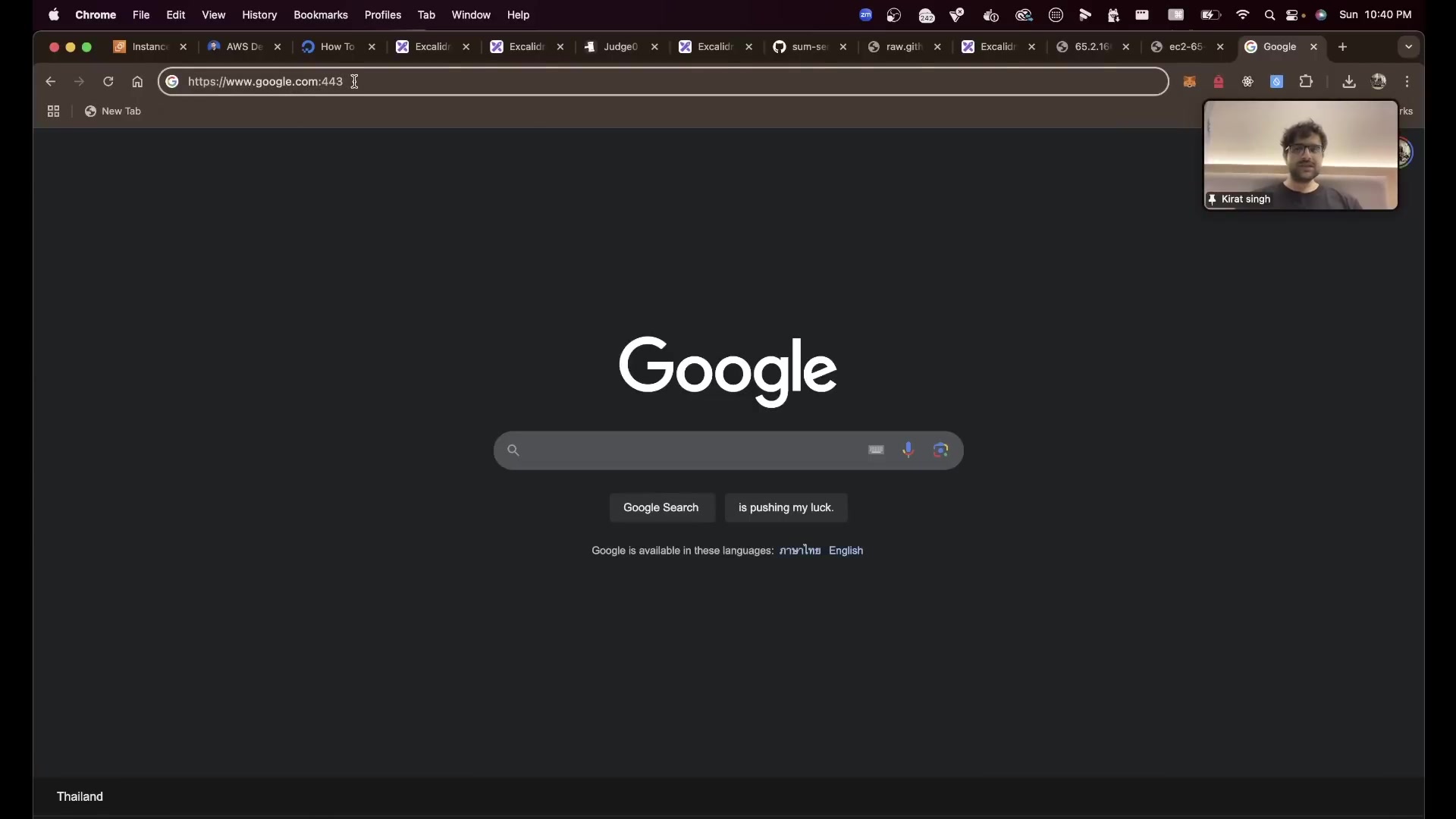
Instructor illustrating the architectural difference between Forward Proxies (client-side) and Reverse Proxies (server-side).
1. Forward Proxy vs Reverse Proxy
- Forward Proxy (Client-Facing): Sits in front of a group of clients. When clients make requests to the internet, the forward proxy intercepts them (used in corporate intranets for content filtering, anonymity, and caching). The server doesn't know who the real client is.
- Reverse Proxy (Server-Facing): Sits in front of one or more backend web servers. When clients make requests, the reverse proxy intercepts them and distributes traffic across internal backend servers. The client doesn't know which internal backend server handles the request!
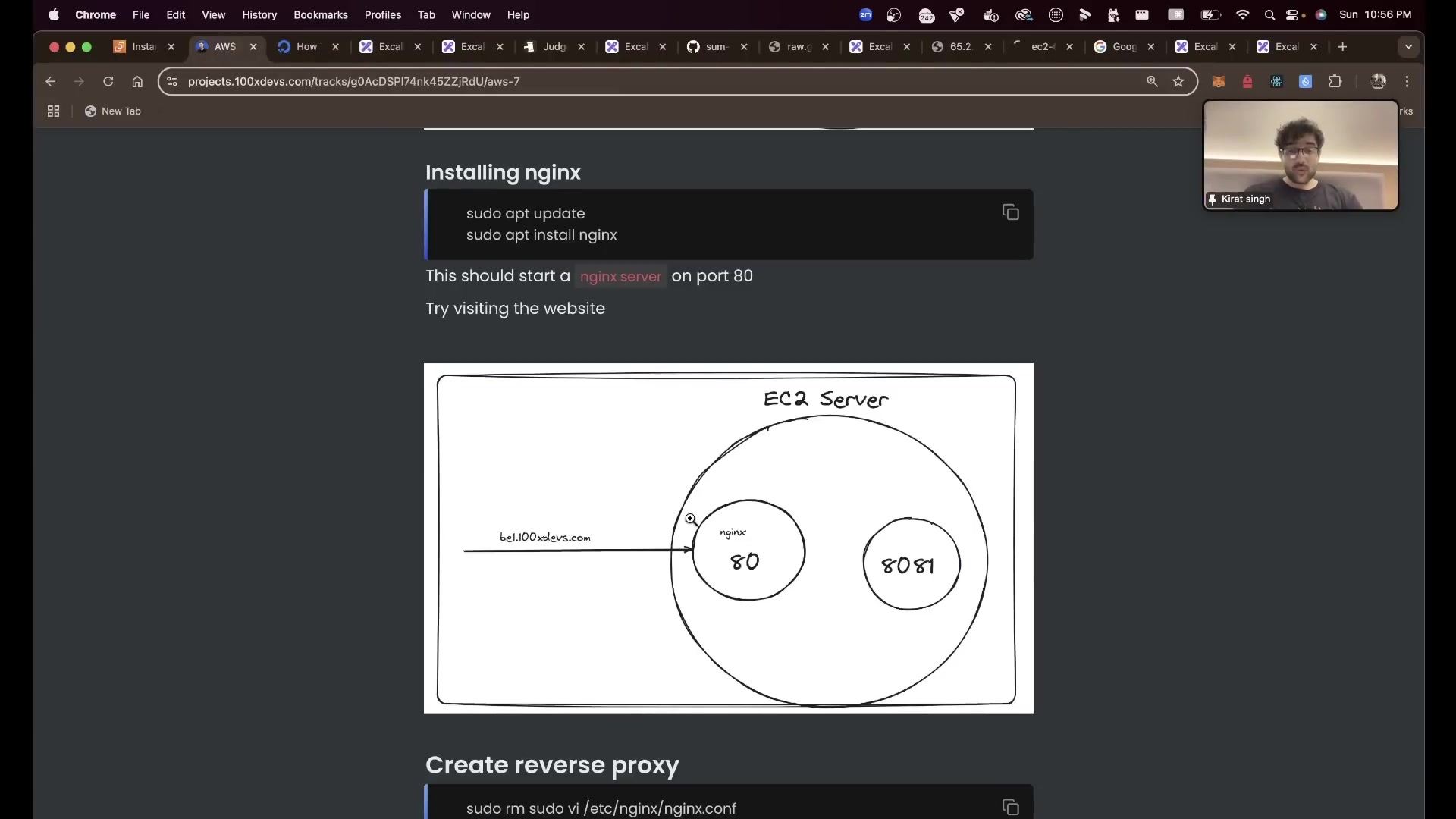
Installing Nginx via apt, verifying status with systemctl, and validating port 80 binding.
2. Complete Production Nginx Configuration (/etc/nginx/sites-available/app.conf)
Production Reverse Proxy with Load Balancing, SSL & WebSocket Support
# Define upstream backend server cluster (Load Balancing)
upstream backend_cluster {
    # Round-robin distribution by default
    server 127.0.0.1:3000 max_fails=3 fail_timeout=10s;
    server 127.0.0.1:3001 max_fails=3 fail_timeout=10s;
    keepalive 32;
}

# 1. HTTP Server: Redirect all traffic to HTTPS
server {
    listen 80;
    listen [::]:80;
    server_name api.mycompany.com;

    location / {
        return 301 https://$host$request_uri;
    }
}

# 2. HTTPS Server (SSL/TLS Termination)
server {
    listen 443 ssl http2;
    listen [::]:443 ssl http2;
    server_name api.mycompany.com;

    # SSL Certificates (Auto-generated by Certbot)
    ssl_certificate /etc/letsencrypt/live/api.mycompany.com/fullchain.pem;
    ssl_certificate_key /etc/letsencrypt/live/api.mycompany.com/privkey.pem;

    # Modern SSL Security Parameters
    ssl_protocols TLSv1.2 TLSv1.3;
    ssl_ciphers HIGH:!aNULL:!MD5;
    ssl_prefer_server_ciphers on;

    # Gzip Compression for Fast Loading
    gzip on;
    gzip_types text/plain text/css application/json application/javascript text/xml;
    gzip_min_length 1000;

    # Maximum file upload size (Prevents 413 Request Entity Too Large)
    client_max_body_size 50M;

    # Proxy all traffic to the upstream backend servers
    location / {
        proxy_pass http://backend_cluster;
        proxy_http_version 1.1;

        # WebSocket support headers
        proxy_set_header Upgrade $http_upgrade;
        proxy_set_header Connection "upgrade";

        # Preserve client headers (Critical for backend logging and rate-limiting!)
        proxy_set_header Host $host;
        proxy_set_header X-Real-IP $remote_addr;
        proxy_set_header X-Forwarded-For $proxy_add_x_forwarded_for;
        proxy_set_header X-Forwarded-Proto $scheme;

        # Timeouts
        proxy_connect_timeout 60s;
        proxy_send_timeout 60s;
        proxy_read_timeout 60s;
    }
}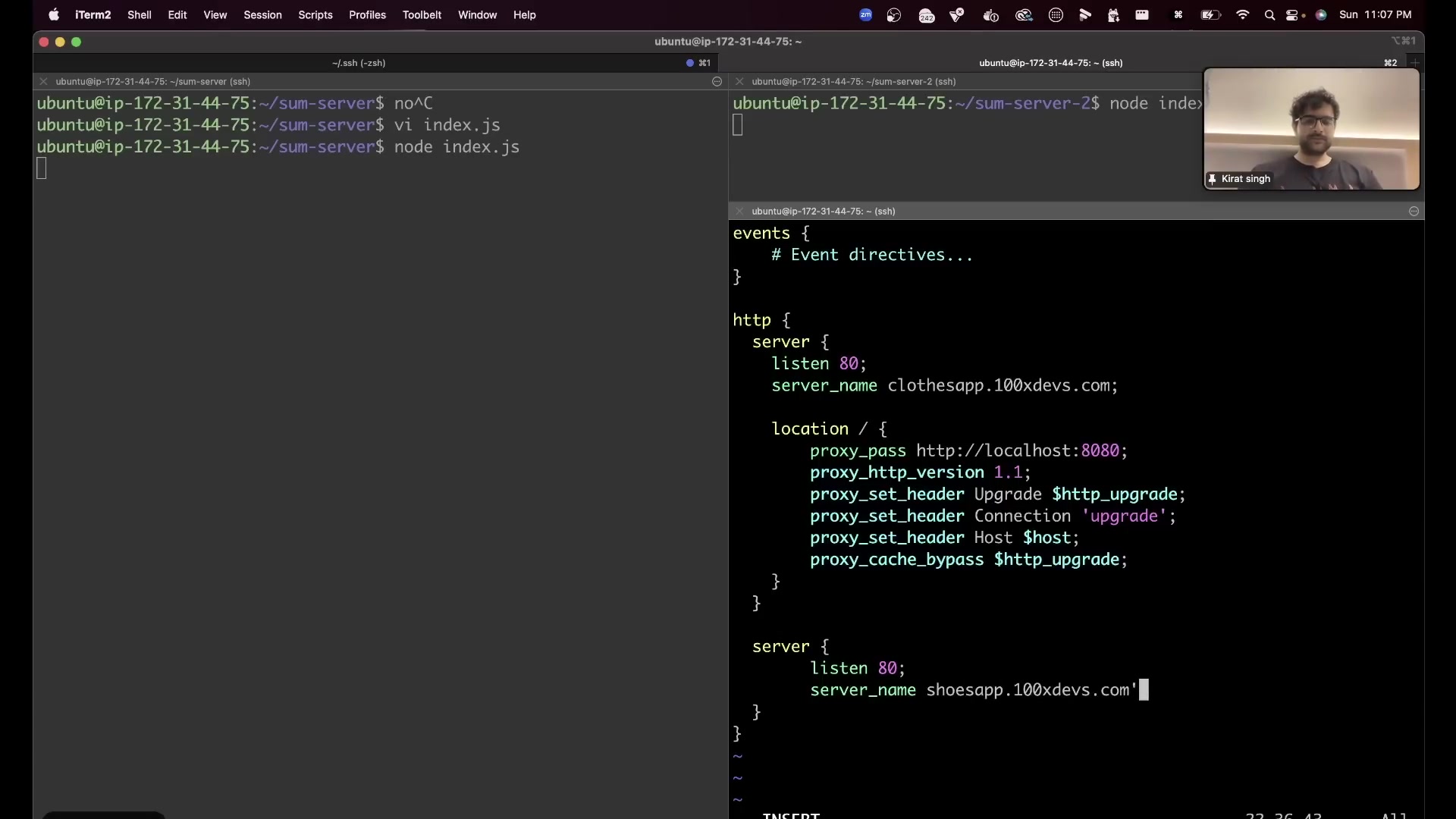
Linking sites-available to sites-enabled with symlinks and testing syntax with nginx -t .
3. Free Automated SSL/TLS with Let's Encrypt & Certbot
1-Command Automated SSL Setup
# Install Certbot and the Nginx plugin
sudo apt update
sudo apt install -y certbot python3-certbot-nginx

# Obtain and install certificates automatically
sudo certbot --nginx -d api.mycompany.com

# Verify automated renewal cron timer
sudo systemctl status certbot.timer

# Perform a dry-run test renewal
sudo certbot renew --dry-run
Keep going: ← Lesson 21 · Lesson 23 → · Module overview · Track it in the Self Guide
Finished this one?
Part of Self Guide · Stage 7: Production web: DNS, Nginx, TLS, CDN. Progress is saved in this browser.


