AI Network Labs 09 — Capstone: Cybernet Campus, 40 Devices
Two buildings and three branches: VLSM from 10.128.0.0/11, multi-area OSPF, student Wi-Fi and a five-case test plan — the campus design from my networking assessment, rebuilt as a cisco-pt-mcp lab.
The capstone is the network I designed for my networking assessment (Pearson BTEC HND, Unit 2: Networking): Cybernet Campus, a higher-education institute moving into two five-floor buildings with three regional branches in Matara, Kandy and Kurunegala. The full design has 40 devices, wired and wireless — big enough that the way you drive cisco-pt-mcp starts to matter.
The brief, in one picture
                     WAN-ISP-SLT (MPLS, primary) ── Matara, Kandy
                    /
  HQ-Core-RTR ── HQ-Edge-FW
                    \
                     WAN-ISP-Dialog (backup) ────── Kurunegala
        │
   ┌────┴─────────────────────┐
BldgA-Dist-SW (3560)     BldgB-Dist-SW (3560)
 5 access switches        5 access switches
 Primary server farm      DR mirror server
 Student Wi-Fi AP         Student Wi-Fi AP
Addressing: VLSM from one root block
Everything is carved from 10.128.0.0/11 with one /16 per zone, so each building summarises to a single route:
| Zone | Block | Summary |
|---|---|---|
| Building A (Academic North) | 10.128.0.0/16 | one route for all of A |
| Building B (Eng / Med / Admin) | 10.129.0.0/16 | one route for all of B |
| Regional branches | 10.130.0.0/16 | one route per region |
| Core transit links | 10.255.0.0/24 | /30 point-to-points |
| Student Wi-Fi | 172.16.0.0/20 | two /21s, 2,046 hosts each |
Department subnets are sized to headcount, not habit:
| VLAN | Department | Subnet | Usable hosts |
|---|---|---|---|
| 10 | Management | 10.128.10.0/24 | 254 |
| 20 | Computing labs | 10.128.20.0/24 | 254 |
| 30 | Postgraduate | 10.128.30.0/26 | 62 |
| 50 | Engineering CAD | 10.129.50.0/25 | 126 |
| 65 | Biomedical IoT | 10.129.65.0/27 | 30 |
| 80 | VC office | 10.129.80.0/28 | 14 |
| 90 | IT NOC | 10.128.90.0/27 | 30 |
| 100 / 101 | Student Wi-Fi A / B | 172.16.0.0/21, 172.16.8.0/21 | 2,046 each |
Size from the biggest subnet down. Allocating the /21 Wi-Fi blocks and /24 labs first keeps the small /27 and /28 subnets from fragmenting the space.
Routing: multi-area OSPF
            Area 0 (backbone): Core router, firewall, both distribution switches
           /                  |                     \
   Area 10: Building A   Area 20: Building B   Area 30: Regional branches
   10.128.0.0/16         10.129.0.0/16         10.130.0.0/16
Summarising each area at its border means a flapping lab switch in Building A never makes Building B or the branches recompute their routes.
Building it with cisco-pt-mcp
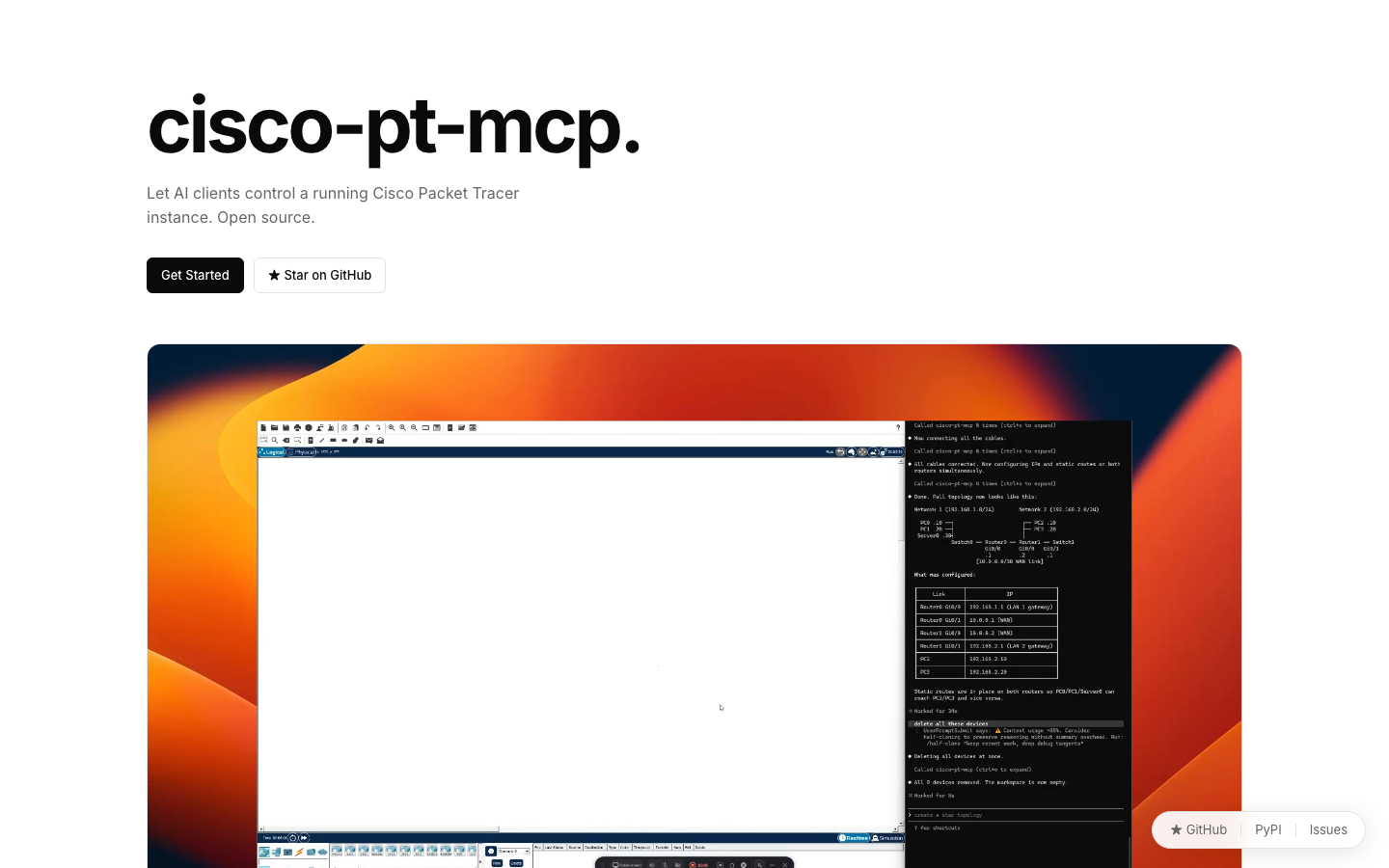
Placing 40 devices one prompt at a time is slow and error-prone. Work in layers instead, and verify each before moving on:
Layer 1 — core: add HQ-Core-RTR and HQ-Edge-FW (2911), BldgA-Dist-SW and BldgB-Dist-SW (3560-24PS),
cable them as in my transit table, configure the /30s and OSPF area 0. Show commands first,
then ping core → each distribution switch.Layer 2 — Building A: add the five access switches and their PCs, create VLANs 10, 20, 30, 40 and 90,
trunk each access switch to BldgA-Dist-SW, create the SVIs as gateways and put them in OSPF area 10.
Verify one PC per VLAN can ping the primary server.Repeat for Building B (area 20), the branches over the two WAN providers (area 30) and finally the wireless access points. After each layer, ask for getCommandLog and file it with your addressing table — together they are your design documentation.
Give the AI the addressing table as data, not prose. A table of device, interface, address and mask leaves nothing to interpret.
Test plan
| Test | From → To | Path | Result |
|---|---|---|---|
| TC-01 | Student tablet (Wi-Fi A) → primary server | AP → Dist-SW A (VLAN 100 SVI) → server farm | Pass |
| TC-02 | Student phone (Wi-Fi B) → DR server | AP → Dist-SW B (VLAN 101 SVI) → DR farm | Pass |
| TC-03 | Wi-Fi A → Wi-Fi B | Dist-SW A → firewall → Dist-SW B | Pass |
| TC-04 | Wi-Fi A → Matara branch PC | firewall → core → SLT MPLS → branch router | Pass |
| TC-05 | Engineering PC → primary server | Dist-SW B → firewall → Dist-SW A | Pass |
Your turn
Build a reduced version: one core router, two distribution switches with two VLANs each, one branch. Keep the same addressing plan (10.128/16 and 10.129/16) and the same OSPF areas, and write your own five-line test plan before you prompt anything.
ExerciseKnowledge check
Why give each building its own /16 (10.128/16, 10.129/16)?
Finished this one?
Progress is saved in this browser.