AI Network Labs 00 — Start Here: cisco-pt-mcp and the Course Map
What cisco-pt-mcp is, who built it, how an AI client drives Packet Tracer through MCP, and the one rule for every lab: write the expected config first.
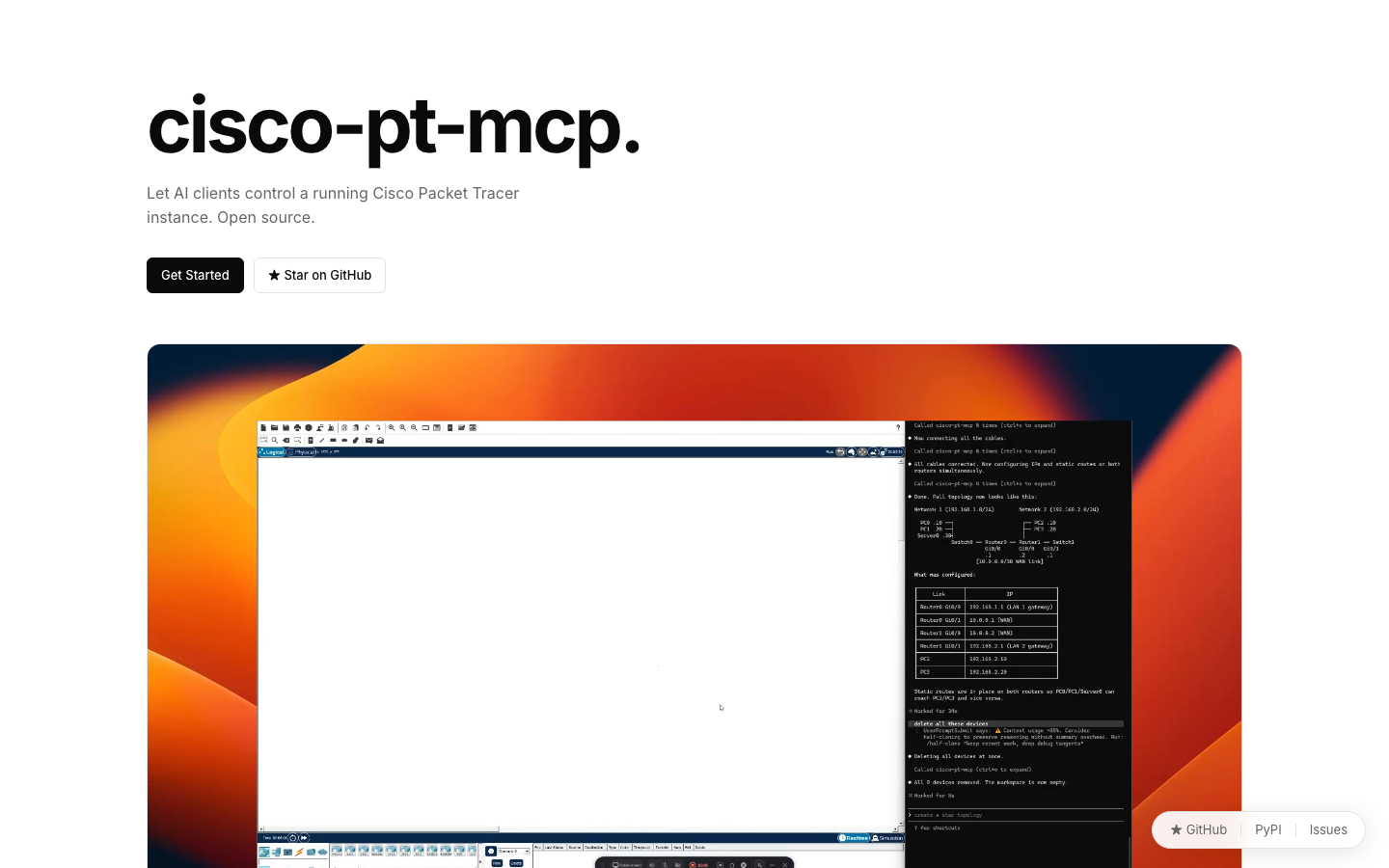
Every networking student knows the Packet Tracer ritual: drag a router, drag a switch, pick a cable, click into the CLI, type enable, configure terminal, interface g0/0… repeat for every device, ping, and discover a typo. It teaches the commands. It also eats an afternoon.
cisco-pt-mcp changes who does the clicking. It's an open-source Model Context Protocol server plus a Packet Tracer extension: you describe a network in plain English, and an AI client — Claude Code, Cursor, VS Code or Codex — builds and configures it inside a running Packet Tracer.
Credit where it's due. cisco-pt-mcp is written and maintained by Muhammad Balawal and released under the MIT licence — GitHub · PyPI. I didn't build it. This course is the ecosystem I'm building around it on this site: setup guides, graded labs, a troubleshooting method and a full campus capstone based on my own networking assessment design.
What you'll be able to do
By the end of the course you'll be able to:
- Install the server and the Packet Tracer extension, and connect any MCP client to it.
- Know all 18 tools the server exposes and the order an AI uses them in.
- Build and verify six classic CCNA-style topologies by prompting — and read every IOS line the AI typed.
- Troubleshoot a broken network with the inspection tools instead of guessing.
- Design and build a 40-node, two-building, three-branch campus with VLSM and multi-area OSPF.
How the pieces fit
AI client (Claude Code / Cursor / VS Code / Codex)
   │  MCP over stdio
   ▼
cisco-pt-mcp server   ← `uvx cisco-pt-mcp`, from PyPI
   │  local bridge (127.0.0.1 only)
   ▼
Packet Tracer extension (cisco-pt-mcp.pts)  →  your topology on the canvas
The model plans; the tools are verbs. The AI never "imagines" a network — every device it mentions exists because a tool call created it, and every ping result comes back from Packet Tracer's own simulation.
The rule for this course
AI is the hands, not the brain. In every lab you'll write the expected configuration first, then let the AI build it, then compare. If you can't explain a line the AI typed, the lab isn't finished.
That rule is why each lab shows the prompt and the IOS configuration you should expect. Use the AI to remove the clicking, never the understanding.
Course map
| # | Lesson | You practise |
|---|---|---|
| 01 | Setup on every client | uv, the extension, the bridge |
| 02 | The 18 tools and the build loop | plan → build → verify |
| 03 | Lab: small office LAN | addressing, gateways, ping |
| 04 | Lab: VLANs and router-on-a-stick | trunks, subinterfaces, 802.1Q |
| 05 | Lab: static routing | next hops, default routes |
| 06 | Lab: OSPF | areas, neighbours, LSAs |
| 07 | Lab: DHCP and ACLs | pools, exclusions, filtering |
| 08 | Lab: break–fix troubleshooting | inspection tools, layered method |
| 09 | Capstone: Cybernet Campus | VLSM, multi-area OSPF, test plan |
New to networking? Do the Networking course first — this course assumes you know what a subnet mask and a default gateway are.
ExerciseKnowledge check
Who is in control of what happens on the Packet Tracer canvas?
Finished this one?
Progress is saved in this browser.