TuitionStudio & Sinhala Prompter Pro
Creator Tools Suite
High-performance browser teleprompter and video lecture production workspace engineered for Sinhala educators and creators.
Overview
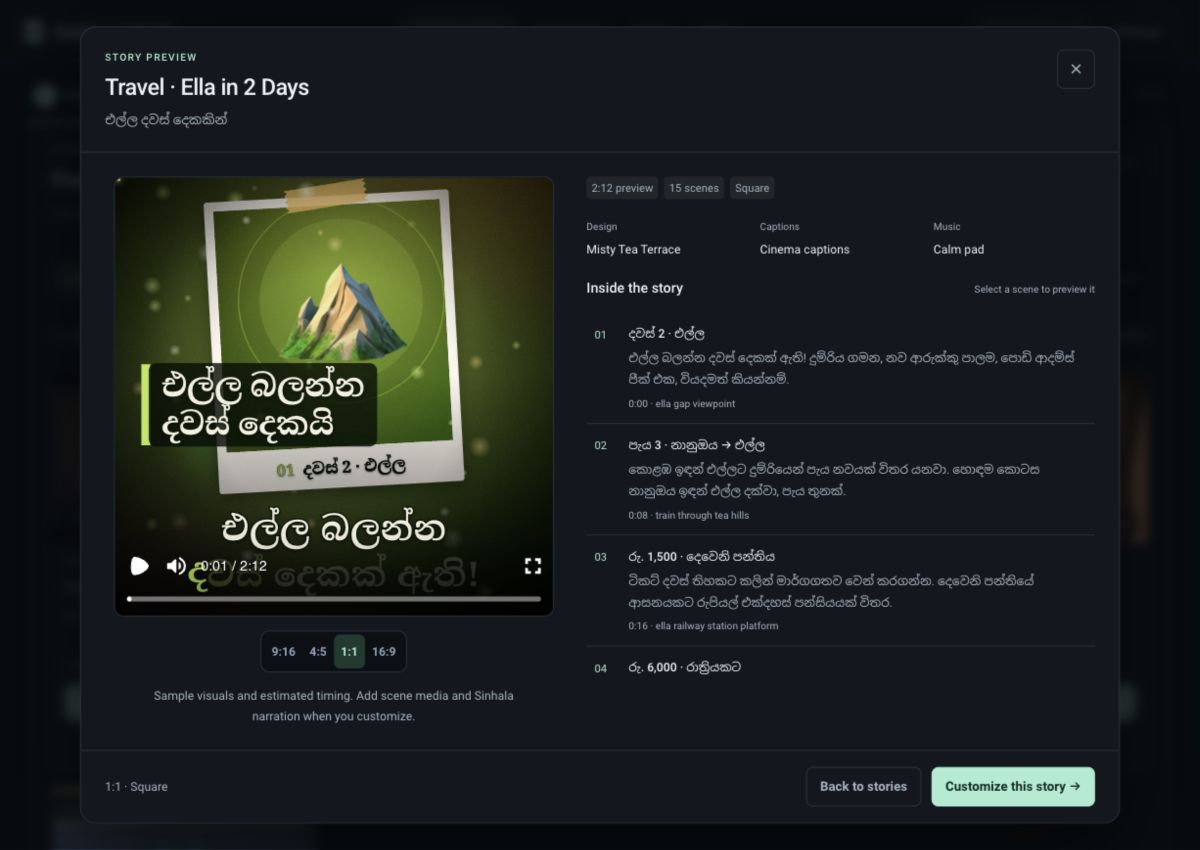
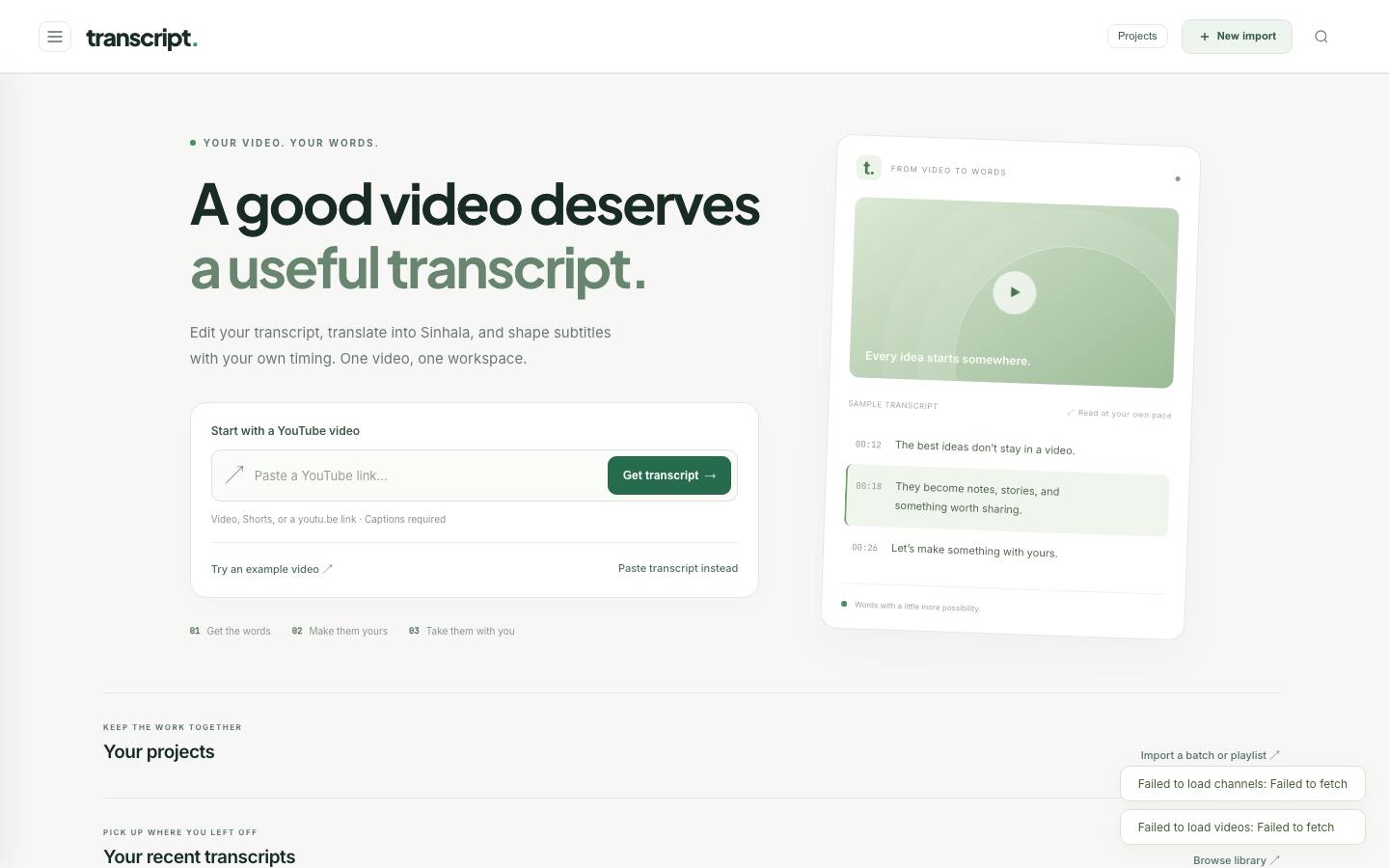
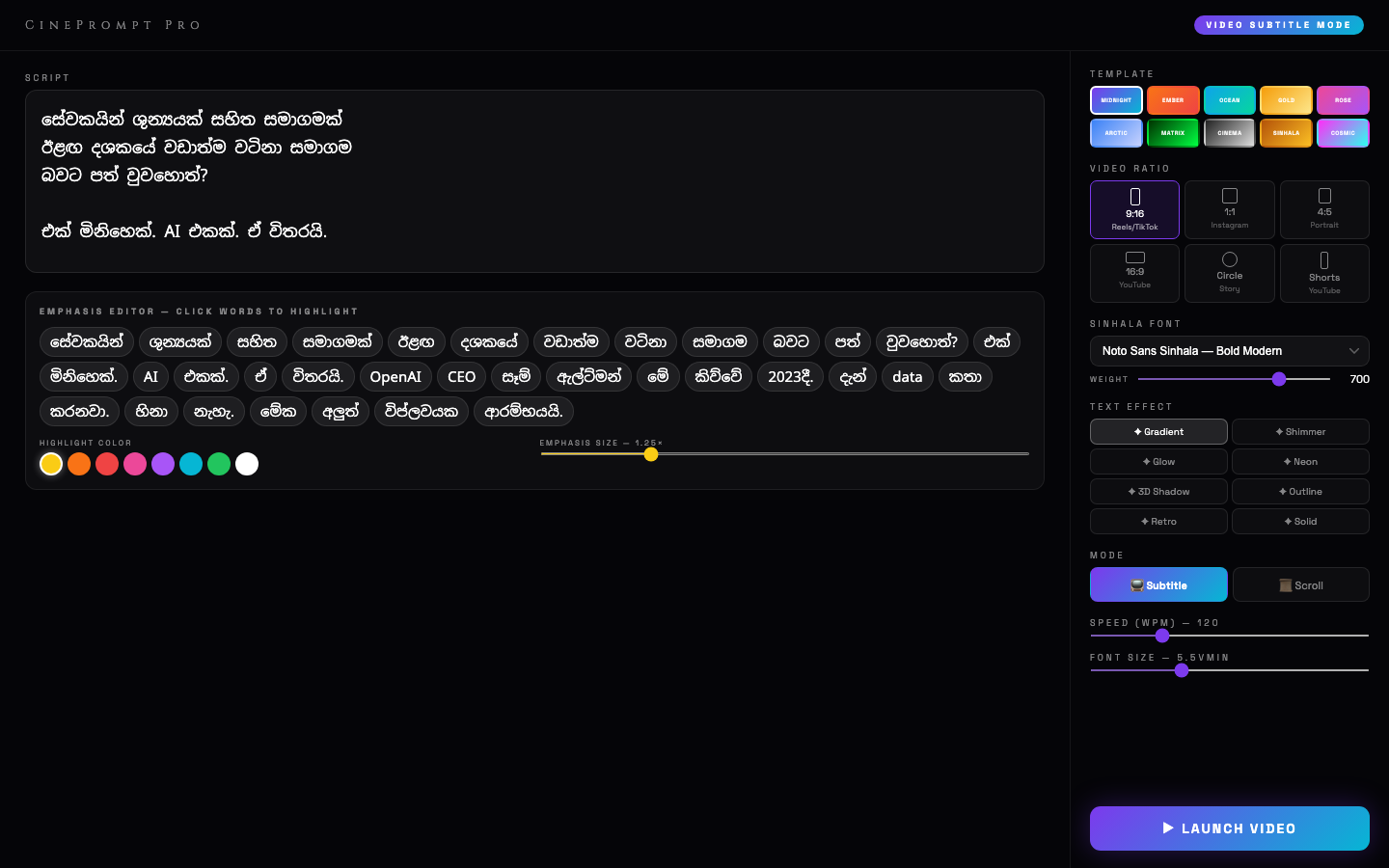
A specialized suite of digital creator tools developed to solve unique challenges faced by Sinhala video lecturers, YouTubers, and teleprompter operators. The flagship apps include Sinhala Prompter Pro (smooth horizontal/vertical mirroring, adjustable scrolling speeds, phonetic Sinhala font support) and TuitionStudio PRO (interactive digital blackboard with slide overlay and screen recording).
Design decisions
The choices that shaped the system, and why.
- 1
Why Single-File Zero-Dependency HTML?
Content creators and studio operators often record in locations with zero internet connectivity. Making the teleprompter a standalone self-contained HTML file ensures it runs anywhere on any device (iPad, Mac, PC, Android) with zero server setup.
- 2
Hardware Mirror Controls for Two-Way Glass
Built-in CSS3 transform mirroring flips text horizontally for physical teleprompter beam-splitter rigs.
Architecture
Smooth RequestAnimationFrame Engine
60fps jitter-free teleprompter scroll synchronization with hardware keyboard / wireless presenter remotes.
Sinhala Glyph Rendering Engine
Guarantees zero clipping or disjointed modifiers for complex Sinhala Unicode ligatures.
Mirror & Inversion Controls
Horizontal flip mode for professional two-way beam splitter teleprompter glass hardware.
Standalone Offline Architecture
Self-contained single-file HTML applications requiring zero internet connection or server dependencies.
DevOps & deployment
Executable locally offline or hosted on GitHub Pages.
Features
- Variable speed scroll control with hotkey accelerators and mousewheel sensitivity.
- Mirror and flip toggles for professional physical glass teleprompter rigs.
- Custom font size, margin width, line spacing, and high-contrast color modes.
- Direct text import, paste, and local browser storage auto-persistence.
Screenshots
Related writing
DevOps · 4 min
Automation Did the Typing. Humans Did the Work.
What automation genuinely saved across 23 projects — and the drawings, verification, font checks, hand calibration and Sinhala writing that only people could do.
25 Oct 2026
Deep dive · 4 min
Sinhala Creator Tools: A Teleprompter, a Lesson Board and 270 Legacy Fonts
Offline single-file tools for Sinhala creators — and how Helakuru Studio stores Unicode but derives FM-ASCII bytes and exports font-free vector SVG.
12 Jun 2026