Cloud Run Problems I Actually Hit — and the Morning My Demo Was Gone
Missing service accounts, region-locked models, disks that vanish, one-writer SQLite, schedulers that stop — and the build-time check that found Nora Labs returning Google's 404.
Cloud Run sells a simple promise: give it a container, get a URL, pay only while requests are running. Most of the time that promise holds. This story is about the times it didn't, across four of my projects, and about the morning this portfolio told me my best-known demo was gone.
The morning the demo was gone
This website checks every deployment I list as "live" at build time. On 30 October 2026 the check came back like this:
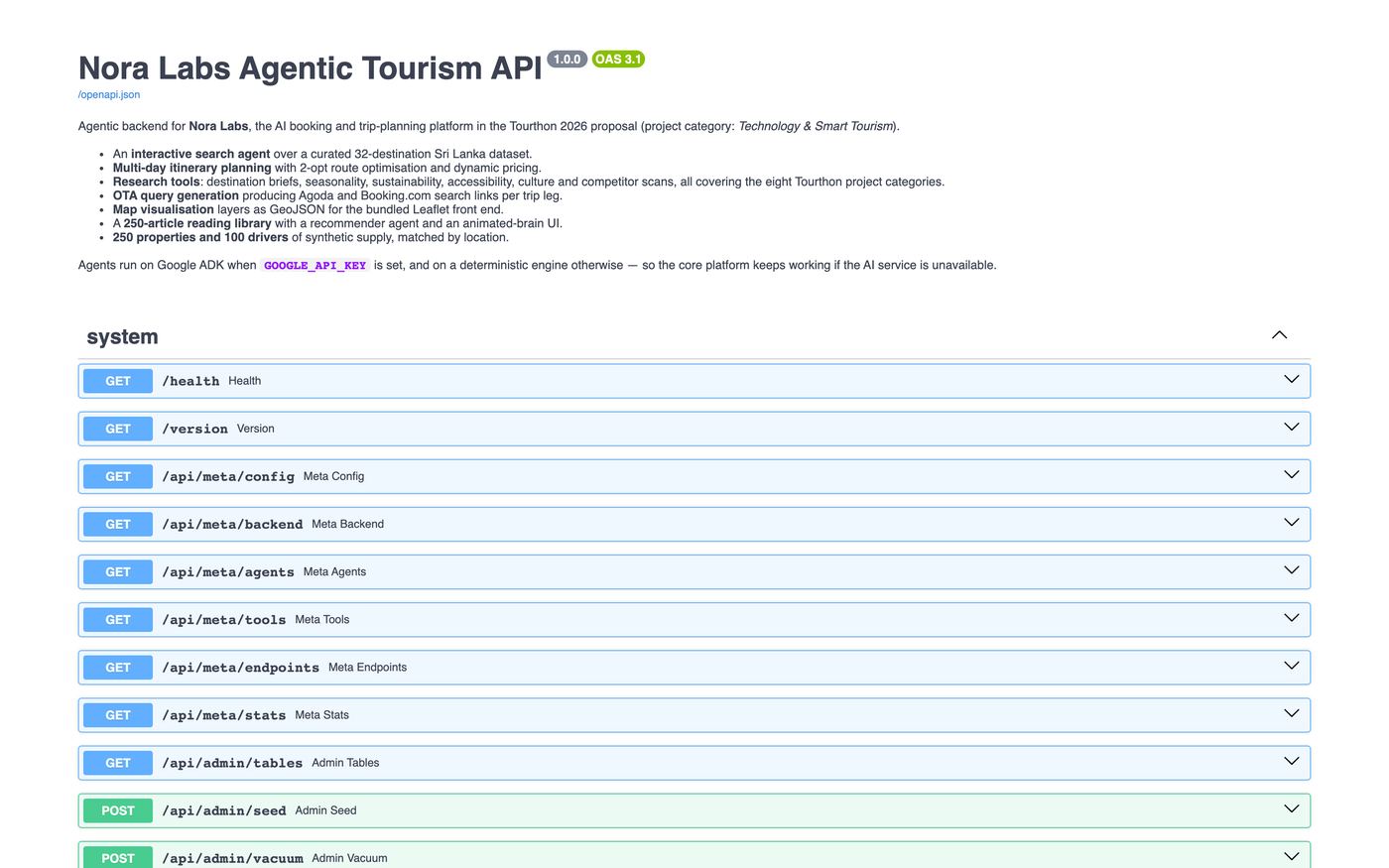
live: nora-labs → down (404)Nora Labs — the Tourthon 2026 agent platform, the project I link first — returned Google's front-end page: "Error: Page not found. The requested URL was not found on this server." Not my FastAPI 404. Google's. /, /health, /docs, /api/meta/backend all gave the same answer. That page means there is no service behind the address any more.
I don't need the exact cause to learn from it. A demo can vanish for ordinary reasons — a project gets cleaned up, a trial or credit runs out, a service is deleted during a re-deploy — and nothing tells you. Cloud Run doesn't email you when traffic stops, because from its point of view no traffic is exactly what scale-to-zero means.
Lesson 1 — a deployment nobody checks is a deployment you don't have. The fix was small: a check-live.mjs script that runs before every build, records the HTTP status of each live project, and shows Live or Offline at last check on the site instead of a hardcoded badge. A network failure on the build machine is recorded as "unchecked", never as "down", so the site can't lie in either direction.
Problem 2 — the build that failed before it started
The first gcloud builds submit on a fresh GCP project for Nora Labs failed with:
ERROR: (gcloud.builds.submit) ... Unknown service accountNew GCP projects don't have a Cloud Build default service account any more. Every tutorial assumes they do. The workaround in Nora's deploy script is to build on my own machine and push straight to Artifact Registry — but my machine is an Apple-silicon Mac, and Cloud Run runs linux/amd64:
docker buildx build --platform linux/amd64 \
  -t us-central1-docker.pkg.dev/$PROJECT/nora/nora-labs:$SHA --push .
Forget --platform and you get an image that starts perfectly on your laptop and crashes on Cloud Run with an exec format error. The script only switches to BUILDER=cloudbuild once a builder service account with roles/cloudbuild.builds.builder exists.
Lesson 2 — write down the workaround in the script, not in your memory. The comment in deploy_gcp.sh is what lets me redeploy six months later.
Problem 3 — the model that didn't exist in my region
Nora's agents run on Vertex AI. Model availability is per project and per region: gemini-2.5-flash resolves in us-central1; ask for a model a region doesn't serve and you get a 404 from the model API, not from your app.
What saved the demo was a decision made earlier for a different reason: every ADK agent call is wrapped, and if it fails the deterministic rule engine answers instead. The response says which engine served it, and the failure reason goes into the agent_runs table. Users saw slightly less clever answers. They never saw an error.
Problem 4 — files that disappear
Cloud Run's filesystem is in-memory and per-instance. Write a SQLite file to /data, scale to zero, and the next cold start begins with an empty disk. Two of my projects met this from different directions:
- Nora Labs mounts a GCS bucket at
/dataso saved trips survive. Reference data reseeds from JSON on every boot anyway. - TuitionStudio PRO's deploy notes are blunt: Postgres is not optional in the cloud, because the development SQLite file "would be lost on every cold start".
Problem 5 — the database that can only have one writer
Even with a bucket mount, SQLite allows one writer. Two Cloud Run instances writing the same file is how you corrupt a database. So Nora's deploy pins it:
# SQLite has a single writer, so the service runs as one instance.
- --max-instances=1
That comment is the most important line in the file. It tells the next person exactly which tables to move to Cloud SQL or Firestore before raising the limit.
Problem 6 — scale-to-zero silently stops background work
CryptoEdge runs an alert scheduler inside the web process every 300 seconds. On Cloud Run, an instance with no requests gets its CPU throttled and is eventually removed — and the scheduler goes with it. No error, no log line, just alerts that stop arriving.
# min-instances=1 keeps the background alert scheduler alive between requests.
- --min-instances=1
That's a deliberate monthly cost for one always-warm instance. The cheaper alternative — Cloud Scheduler hitting an endpoint — is on the list.
Problem 7 — when Cloud Run is simply the wrong tool
Quintrix ITSO's image carries CPU PyTorch, OpenCV and FFmpeg (around a gigabyte), and one video upload can process for minutes. Cold starts and request timeouts made Cloud Run a poor fit, so it runs on a Compute Engine VM with Docker Compose, redeployed by GitHub Actions over gcloud compute ssh. Choosing not to use the shiny platform is also a decision.
What I'd tell myself before the first deploy
- Check
gcloudservice accounts on a new project before writing a pipeline. - Always build
--platform linux/amd64from a Mac. - Treat the container filesystem as temporary. Mount storage or use a database.
- Write scaling limits as comments next to the flags that enforce them.
- Background work needs
min-instancesor an external trigger. - Monitor the demo you're proudest of — it's the one people click.
Read the full pipelines in How I Ship 23 Projects →
Keep going: ← All stories · Next story →
Finished this one?
Progress is saved in this browser.
Projects in this article
AI Agents
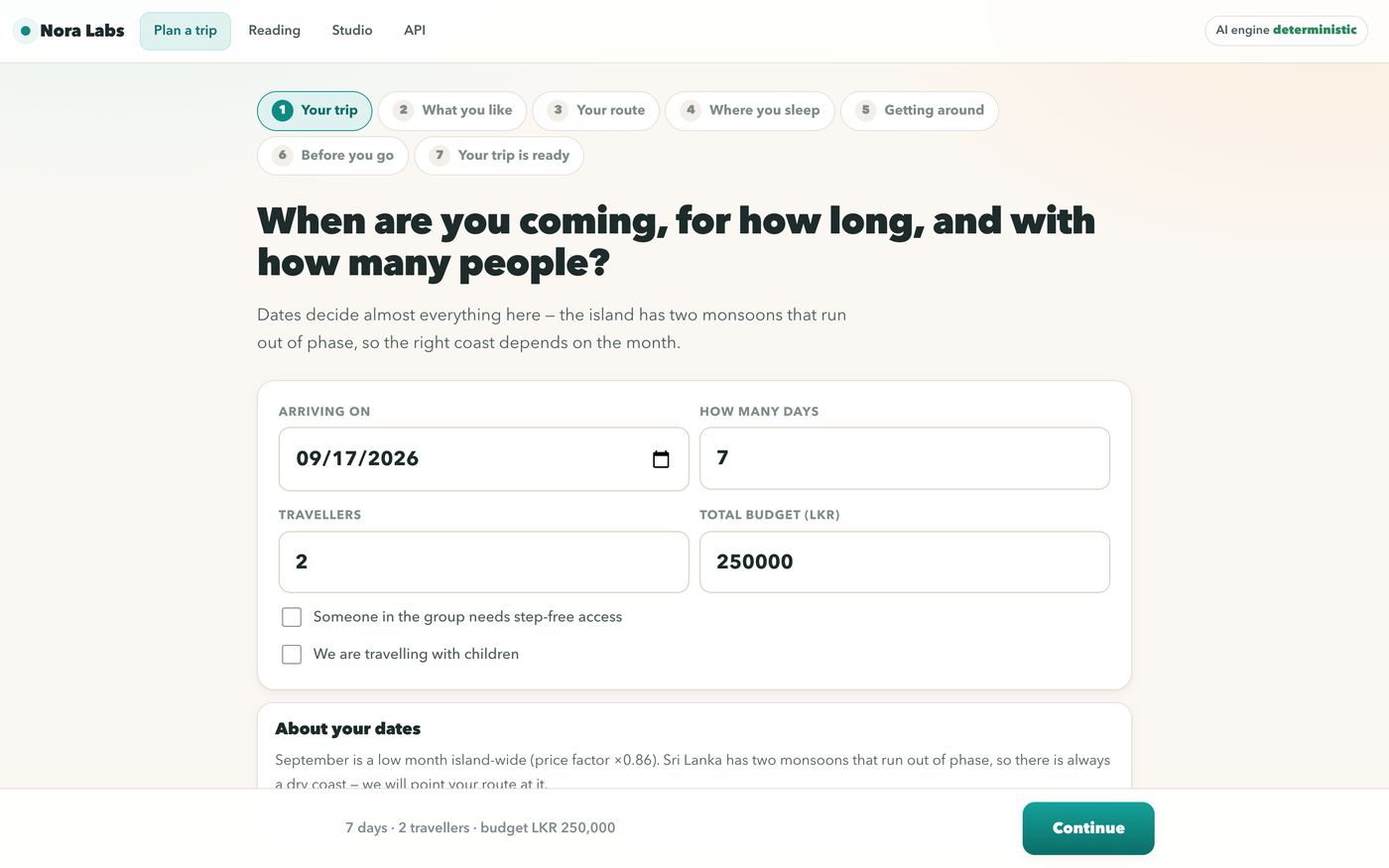
Nora Labs
Tourthon 2026 AI-driven multi-agent platform for bespoke Sri Lankan travel itineraries, live driver dispatch, and instant dynamic booking.
ML & Vision
CryptoEdge & TradeV1 ML
Automated Binance crypto trading engine and machine learning price forecasting pipeline with cloud CI/CD.